
VEED vs CapCut: Which Editor Fits Creators?
Compare VEED vs CapCut for online video editing, including captions, templates, AI tools, collaboration, brand assets and social workflows.
Some links are affiliate links: we may earn a commission if you sign up or buy through them, at no extra cost to you.
On this page9 sections
- 1The short answer
- 2VEED vs CapCut: Which Online Video Editor Fits Creators Better?
- 3Interface and Workspace Layout
- 4Automated Subtitles and Transcription Workflows
- 5AI Tools, Templates and Social Effects
- 6VEED vs CapCut Feature Comparison
- 7Collaboration, Hosting and Brand Assets
- 8Which Video Editor Should You Choose?
- 9Frequently asked
The short answer
- CapCut excels at mobile-first vertical video editing with highly stylized templates and trend-driven filters.
- VEED offers superior automated subtitling, hosting, and brand kit integration for business and educational creators.
- Choose CapCut for rapid TikTok or Reels production and VEED for professional marketing and podcast clips.
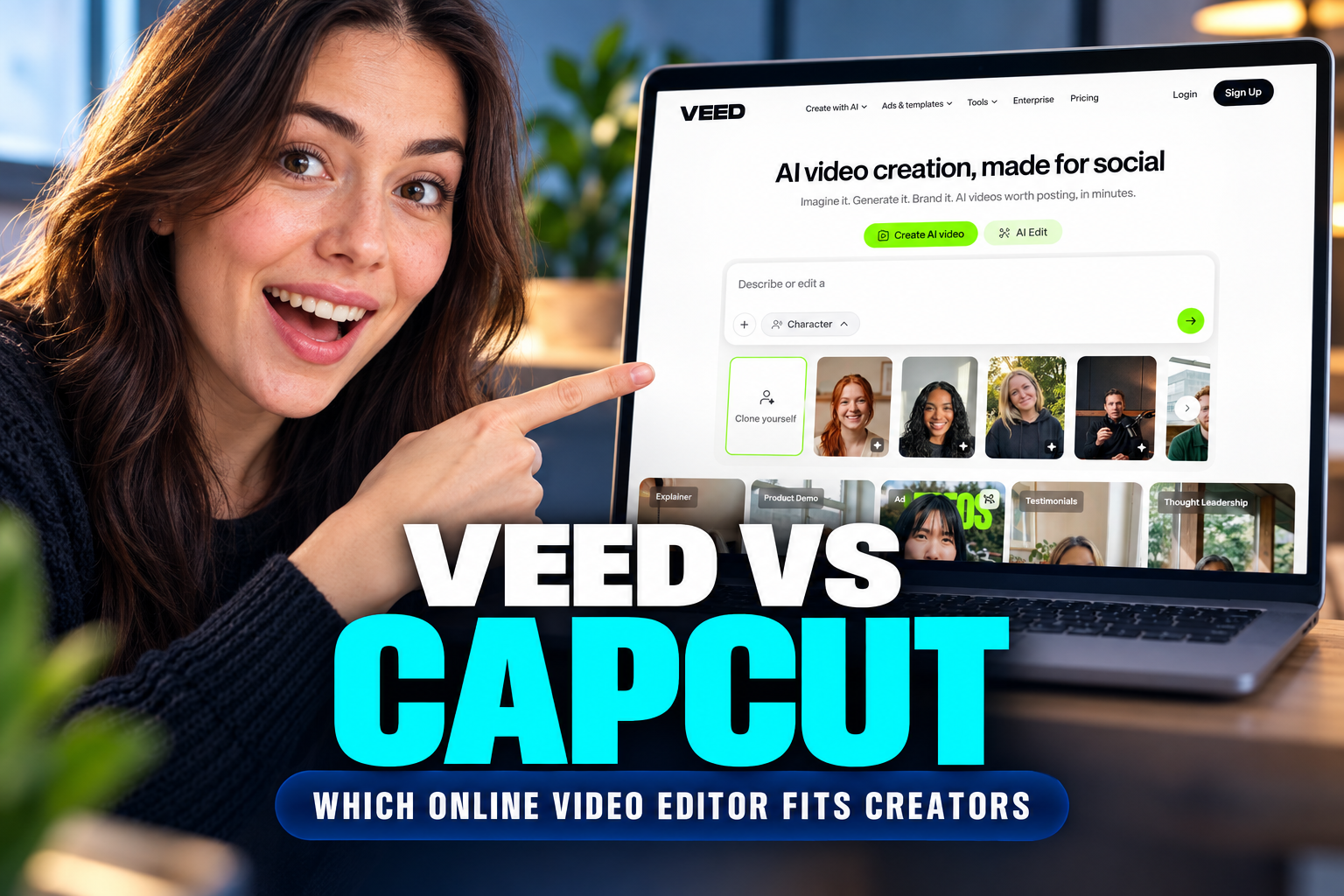
CapCut fits social-first creators who want trend-led templates, animated captions and flexible mobile or desktop editing. VEED fits creators producing branded, educational or team-reviewed videos, especially when transcription, subtitle files and shared assets matter. Both offer browser-based editing, but the better choice depends on what you publish, where you work and how collaborators review each project.
Watch it in action
VEED vs CapCut: Which Online Video Editor Fits Creators Better?
The clearest dividing line is the intended workflow. Choose CapCut for fast, effect-heavy social videos built around templates, music, transitions and animated text. Its broader app-based workflow also suits creators who move between phones, desktops and browsers. Choose VEED for structured, browser-based production involving spoken content, reusable brand assets, subtitle management or stakeholder feedback.
Neither editor fits every creator equally. A solo short-form creator may care more about visual effects and rapid vertical edits than transcript exports. A marketing or education team may instead prioritize consistent fonts, logos, captions and review steps. Before comparing individual tools, identify your main output: short social clips, long-form explainers, tutorials, interviews, training material or branded campaigns. That decision makes the remaining differences easier to weigh.
For a closer examination of VEED’s workflow and limitations, read our full VEED review.
Interface and Workspace Layout
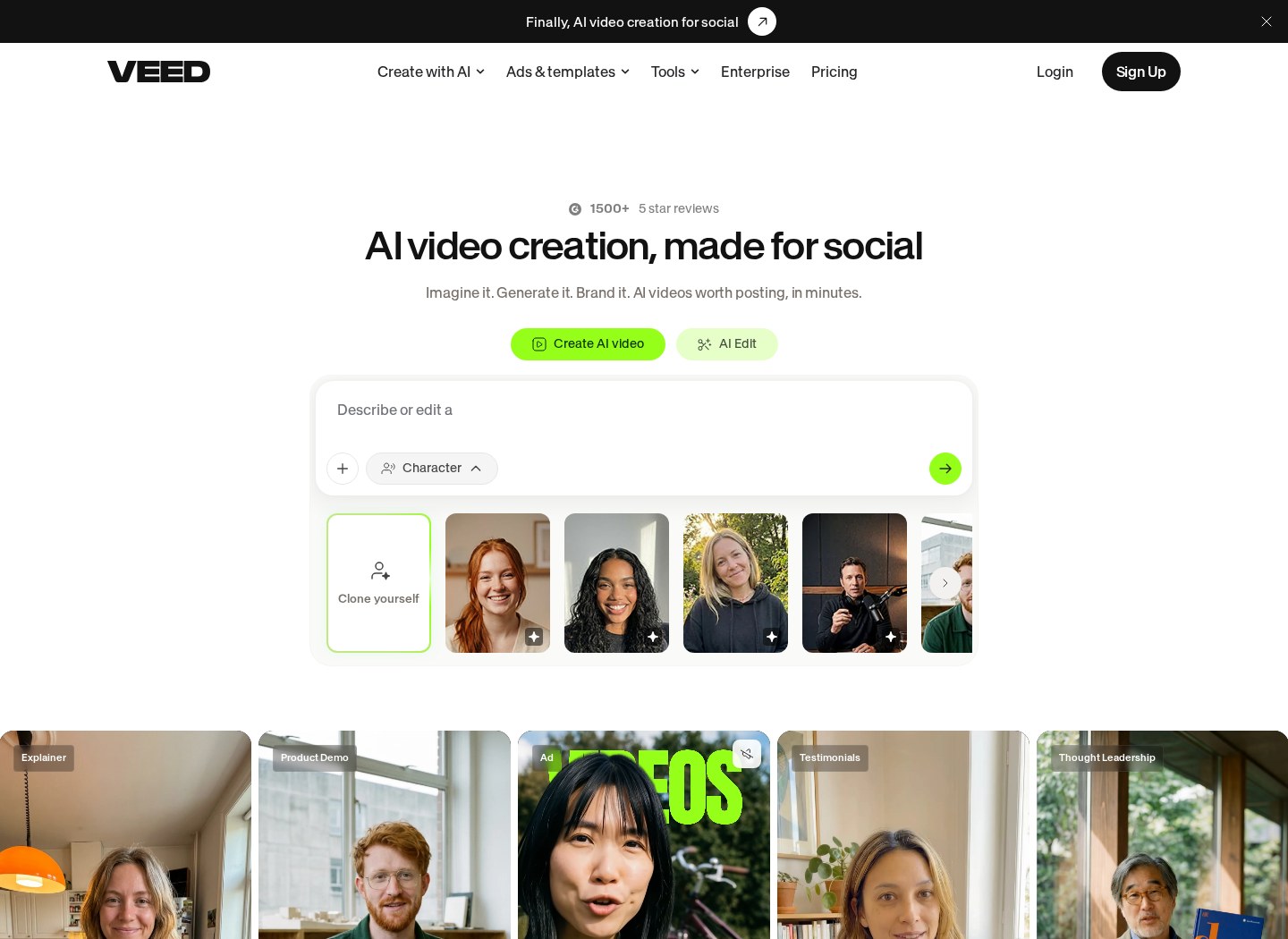
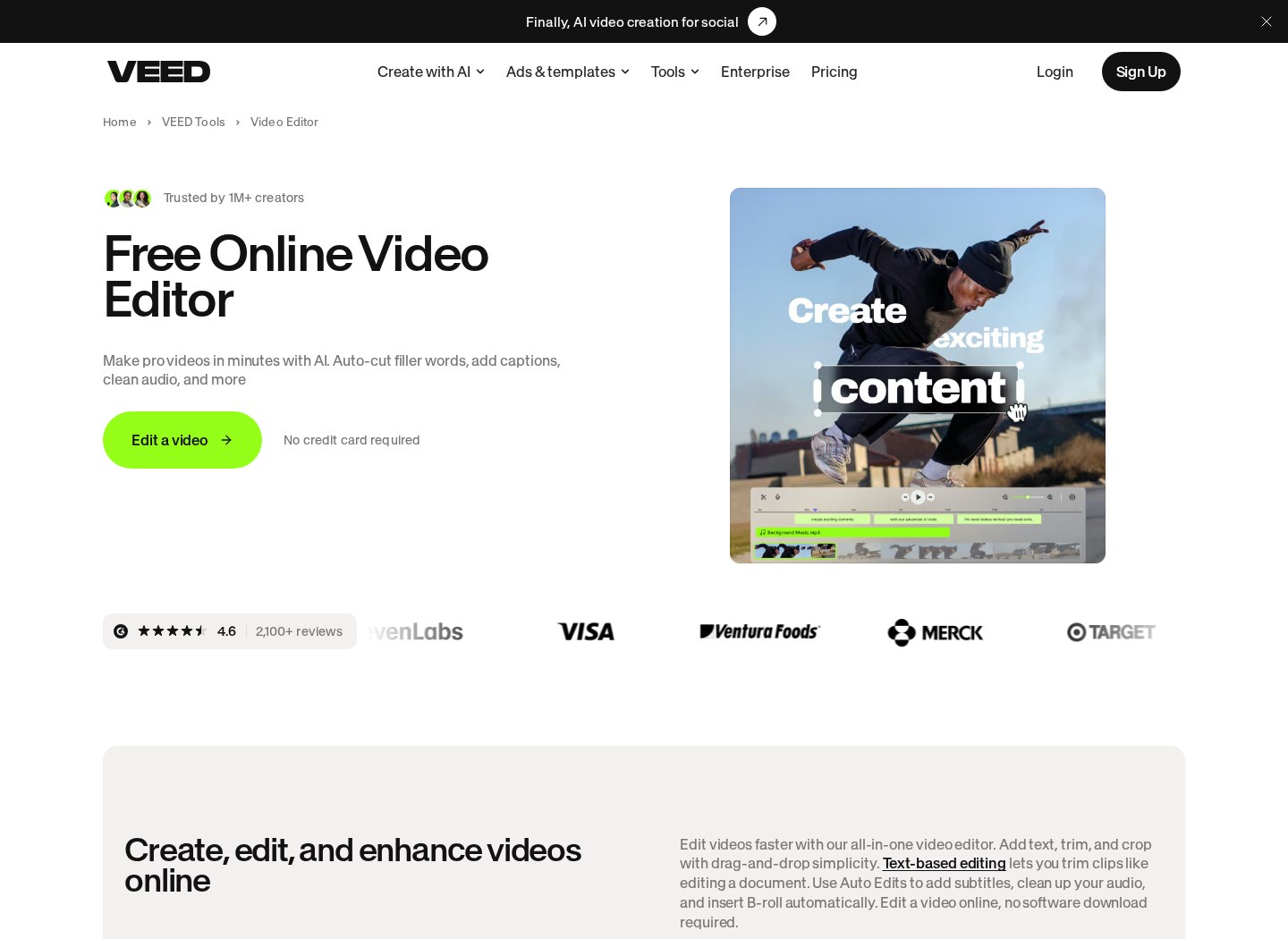
The browser-based workspace forms the foundation of your daily editing routine. VEED presents a clean, minimalist interface that places your project settings and primary tools in a structured sidebar on the left. The timeline focuses heavily on clear visual tracks for audio, video, and text overlays. This layout reduces cognitive clutter, making it easy to learn if you are transitioning from basic presentation software or starting fresh. Check our comprehensive VEED Review for a closer look at this simplified dashboard setup.
CapCut organizes its workspace to mimic traditional desktop editing suites, but inside a browser or dedicated application. It features a dark-themed multi-track timeline that handles complex layer stacking, multiple audio tracks, and transitions. The controls are packed tighter, giving you immediate access to speed adjustments, keyframes, and animation properties. Creators familiar with timeline editors may find that approach recognizable, although beginners making simple cuts may prefer fewer visible controls.
Managing project assets also looks different. VEED emphasizes cloud-based storage for elements such as brand logos, custom fonts and reusable media. CapCut places more emphasis on searchable effects, stickers, audio and templates. Structuring your workspace around your audience can reduce repetitive editing work, particularly across a recurring content series.
Automated Subtitles and Transcription Workflows
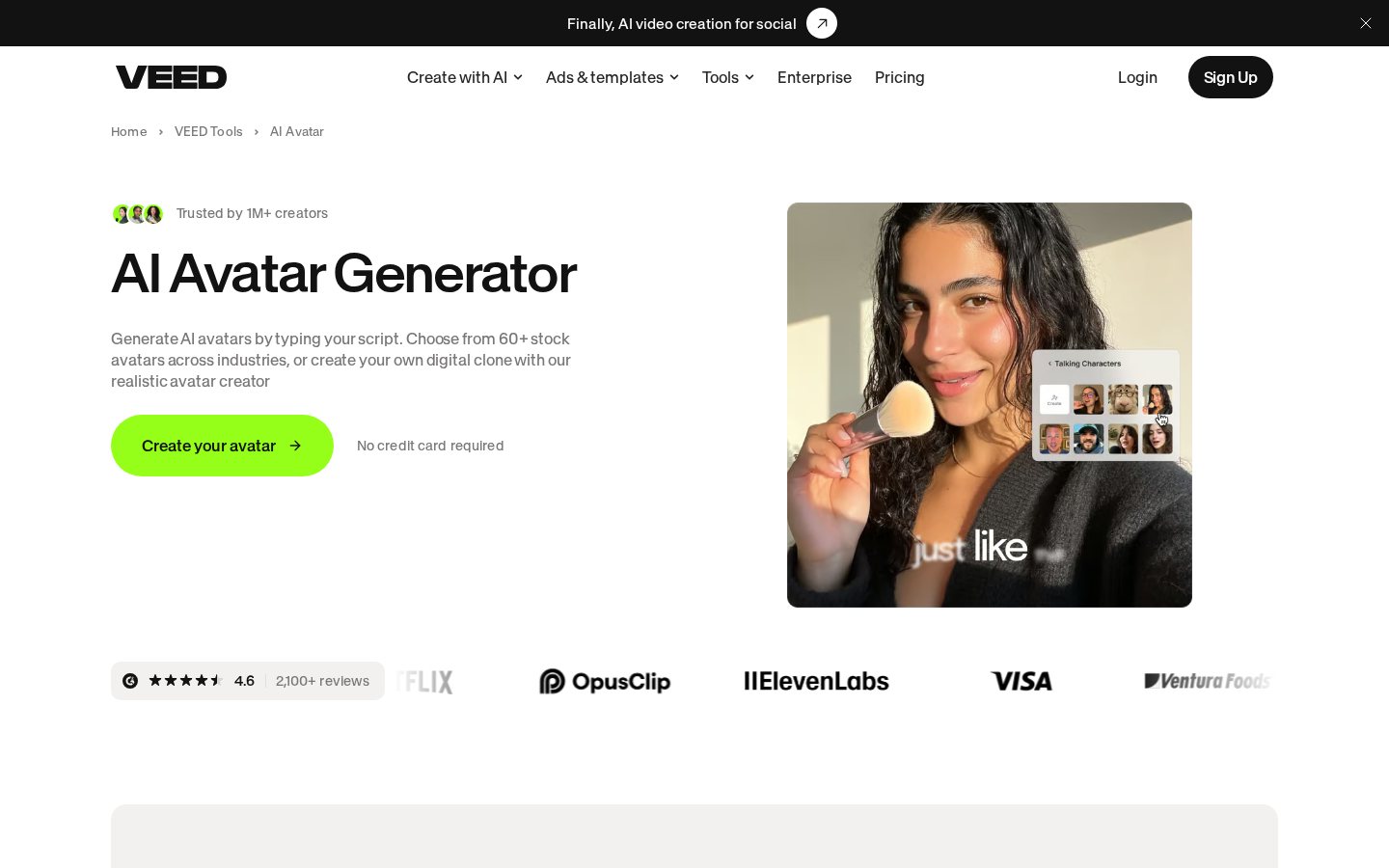
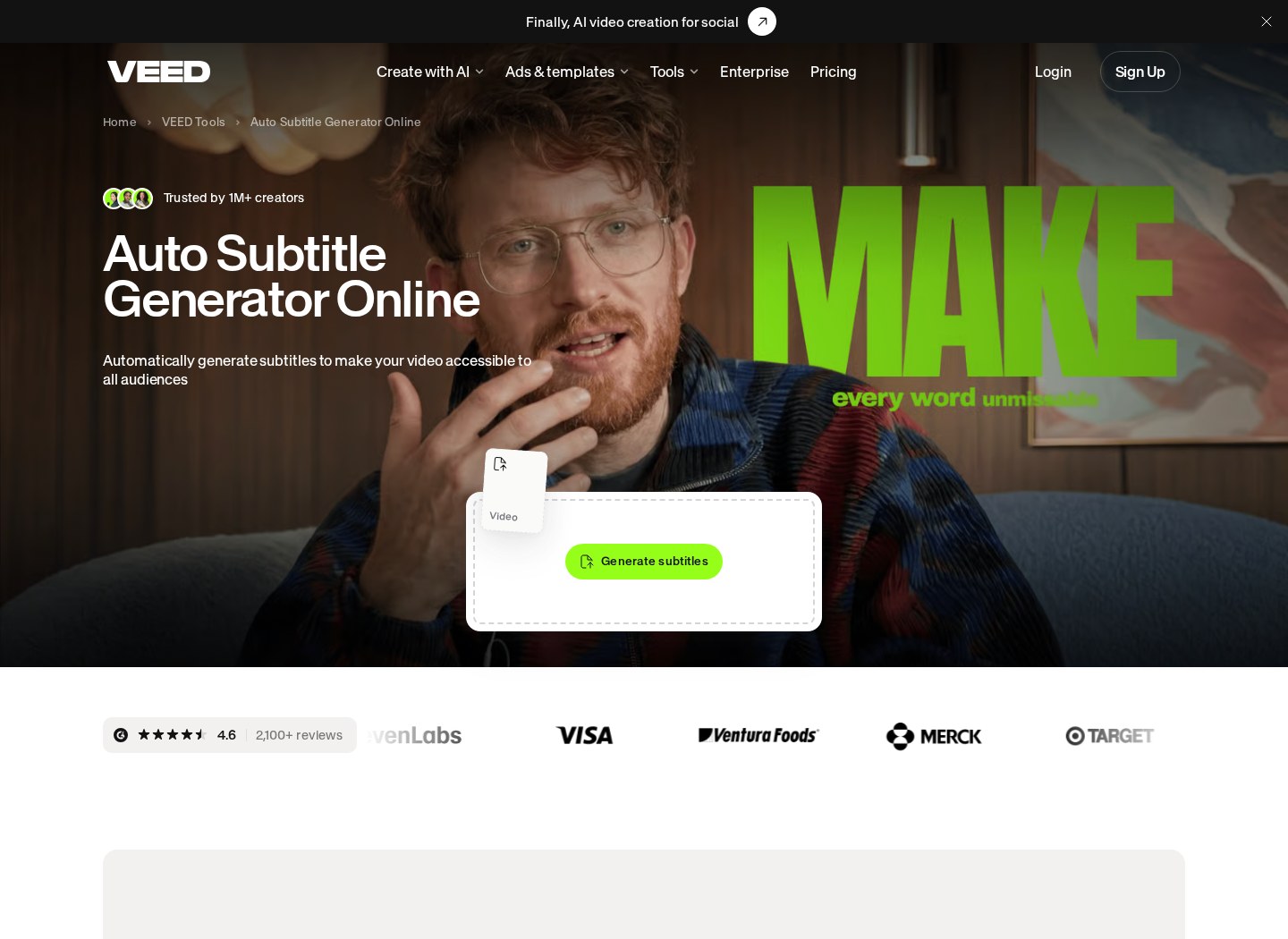
Modern video creation demands readable captions, especially for viewers watching on mobile devices with muted audio. VEED uses speech-to-text tools to convert speech into editable text. The software places captions on the timeline, where creators can correct wording, change styling and adjust timing. Its subtitle workflow also supports standard caption-file formats, including SRT and VTT, which can be useful when a hosting platform needs a separate subtitle track.
CapCut handles auto captions through text segments that can be styled and animated for rapid visual engagement. Its subtitle presets include effects that emphasize spoken words, matching a format commonly used in vertical social videos. That makes CapCut appealing when captions are part of the visual design rather than a separate accessibility or publishing asset.
The better option depends on the final destination. VEED better serves transcript-led and reusable subtitle workflows, while CapCut better serves animated captions designed for social viewing. Automated transcription can make mistakes in either editor, particularly with names, specialized vocabulary or unclear recordings, so creators should review the text before publishing.
VEED vs CapCut Feature Comparison
A side-by-side comparison shows that similarly named features often serve different creative priorities.
- Subtitling: VEED emphasizes transcription correction, translation options and subtitle-file workflows. CapCut emphasizes stylized, animated captions for vertical and social video.
- Audio: VEED focuses on spoken-audio cleanup and voice-led production. CapCut provides music, sound effects and voice treatments suited to high-energy edits.
- Brand management: VEED supports reusable brand elements such as logos, colors and fonts. CapCut focuses more heavily on templates, effects and social assets.
- Device access: VEED is centered on online editing and cloud workflows. CapCut offers browser, mobile and desktop editing routes.
- Templates: VEED’s layouts suit presentations, explainers and marketing material, while CapCut’s templates lean toward quick social formats.
- Collaboration: VEED emphasizes review, comments and shared branded production. CapCut provides cloud-based project and media sharing, with a strong focus on individual creation.
These differences matter more than the raw number of tools. A creator who needs reusable subtitle files may value VEED’s text workflow more than CapCut’s effects. A creator publishing several short social clips may reach the opposite conclusion. Our in-depth VEED review explains its feature set in more context.
Collaboration, Hosting and Brand Assets
For creators working with teammates or external reviewers, production extends beyond the timeline. VEED provides shared workspaces, review tools and reusable brand assets. Time-linked feedback can help editors locate requested changes without relying on separate messages that describe a scene indirectly. A central brand kit can also make recurring output more consistent by keeping approved logos, colors and type choices available to collaborators.
VEED additionally supports sharing and hosting workflows, allowing a finished or review-stage video to be distributed through a link. This can reduce the need to send a new file after every revision, although teams should still consider their own access, storage and publishing requirements. Learn more about the broader workflow in our VEED review for creators and teams.
CapCut provides cloud spaces for shared media and projects, but its editing experience remains especially attractive to individual creators moving among devices. VEED is the more natural fit where formal review and brand consistency guide production. CapCut may fit better where one creator controls the edit and speed of social publishing takes priority.
Which Video Editor Should You Choose?
Selecting the right tool depends on publishing goals, working style and output format. If your priority is organic social content for platforms such as TikTok, Instagram or YouTube Shorts, CapCut fits creators better when template-led edits, animated text and access across mobile, desktop and browser are central to the process.
If you produce business videos, educational material, interviews, tutorials or other speech-led content, VEED fits creators better when editable transcription, separate subtitle files, brand assets and review workflows carry more weight. Its browser-centered approach may also appeal to teams that want projects and feedback kept in a shared online environment.
A mixed workflow is also reasonable. Some creators may use CapCut for short, visually active social posts and VEED for branded explainers or caption-heavy material. Compare the editors using a representative project rather than an unusually simple test clip. Include transcription corrections, brand styling, collaborator feedback and the required export format. That process will show which editor removes more friction from the work you publish most often.
Frequently asked

As an Amazon Associate I earn from qualifying purchases. This does not affect the price you pay. Affiliate disclosure