Who Should Use Higgsfield, and Who Should Skip It?
Decide if Higgsfield fits your video creation workflow by comparing its character control and mobile-first focus against traditional desktop generators.
Some links are affiliate links: we may earn a commission if you sign up or buy through them, at no extra cost to you.
On this page7 sections
- 1The short answer
- 2Who Should Use Higgsfield for Character-First Prompting
- 3The Mobile-First App Environment and Export Workflow
- 4The Motion Control and Reference Video Workflow
- 5Comparing Workflow Styles: Higgsfield vs. Cinematic Competitors
- 6Who Should Skip Higgsfield Based on Creative Pipeline
- 7Frequently asked
The short answer
- Mobile-first creators benefit most from Higgsfield's specialized focus on character-driven, highly dynamic social media video generation.
- Skip Higgsfield if your primary workflow demands widescreen, high-definition cinematic environments or advanced timeline editing controls.
- The tool excels at translating physical movement from reference clips to custom generated avatars and virtual characters.
Social media creators who need precise human physics, character animation, and mobile editing should use Higgsfield. Professional video editors requiring multi-shot cinematic landscapes, horizontal timeline splicing, or desktop rendering environments should skip it. The platform fills a distinct niche focused on portrait-oriented, avatar-driven clips rather than wide-angle post-production workflows.
Higgsfield distinguishes itself in the AI video ecosystem by prioritizing vertical, social-first video generation. Rather than depending exclusively on open-ended text prompts that often yield anatomical anomalies, the system incorporates structured inputs. This setup allows creators to direct virtual actors with greater anatomical stability than conventional text-to-video engines typically provide.
However, a mobile-first, character-oriented design means the software cannot serve as a one-size-fits-all production engine. Examining its core mechanics, interface tradeoffs, and motion control features helps clarify whether the tool belongs in your daily production routine or if your projects demand a traditional desktop suite.
Watch it in action
Who Should Use Higgsfield for Character-First Prompting
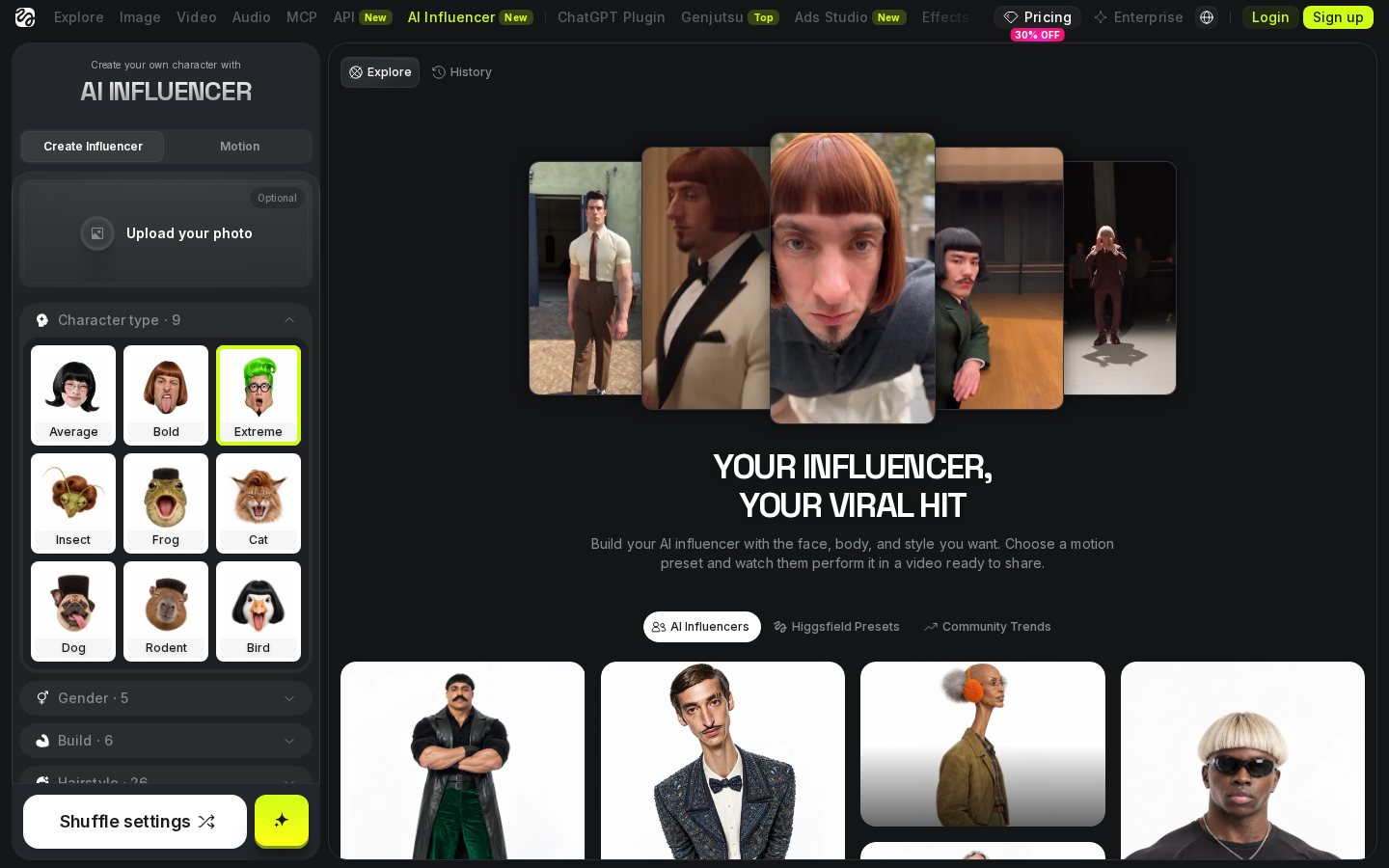
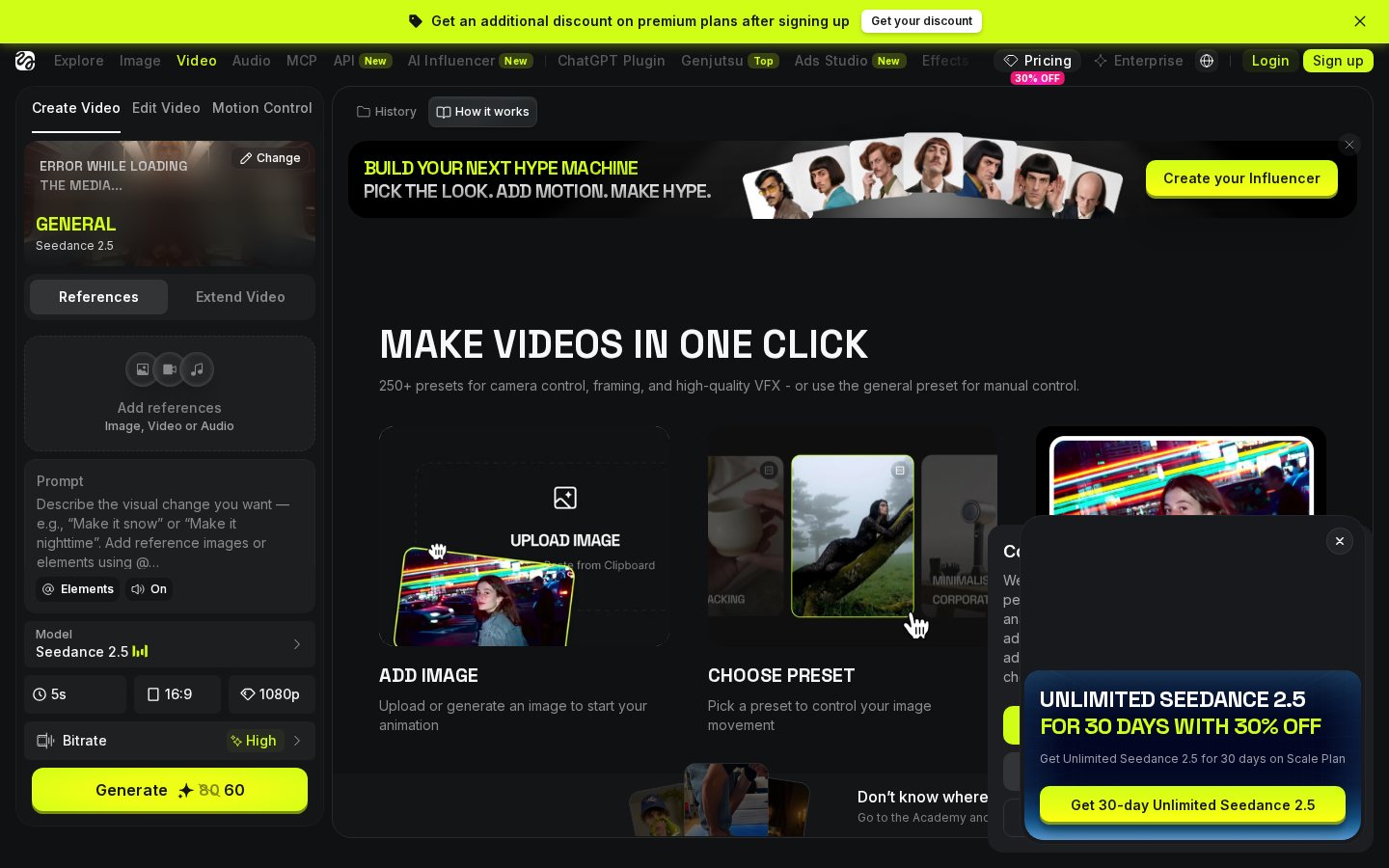
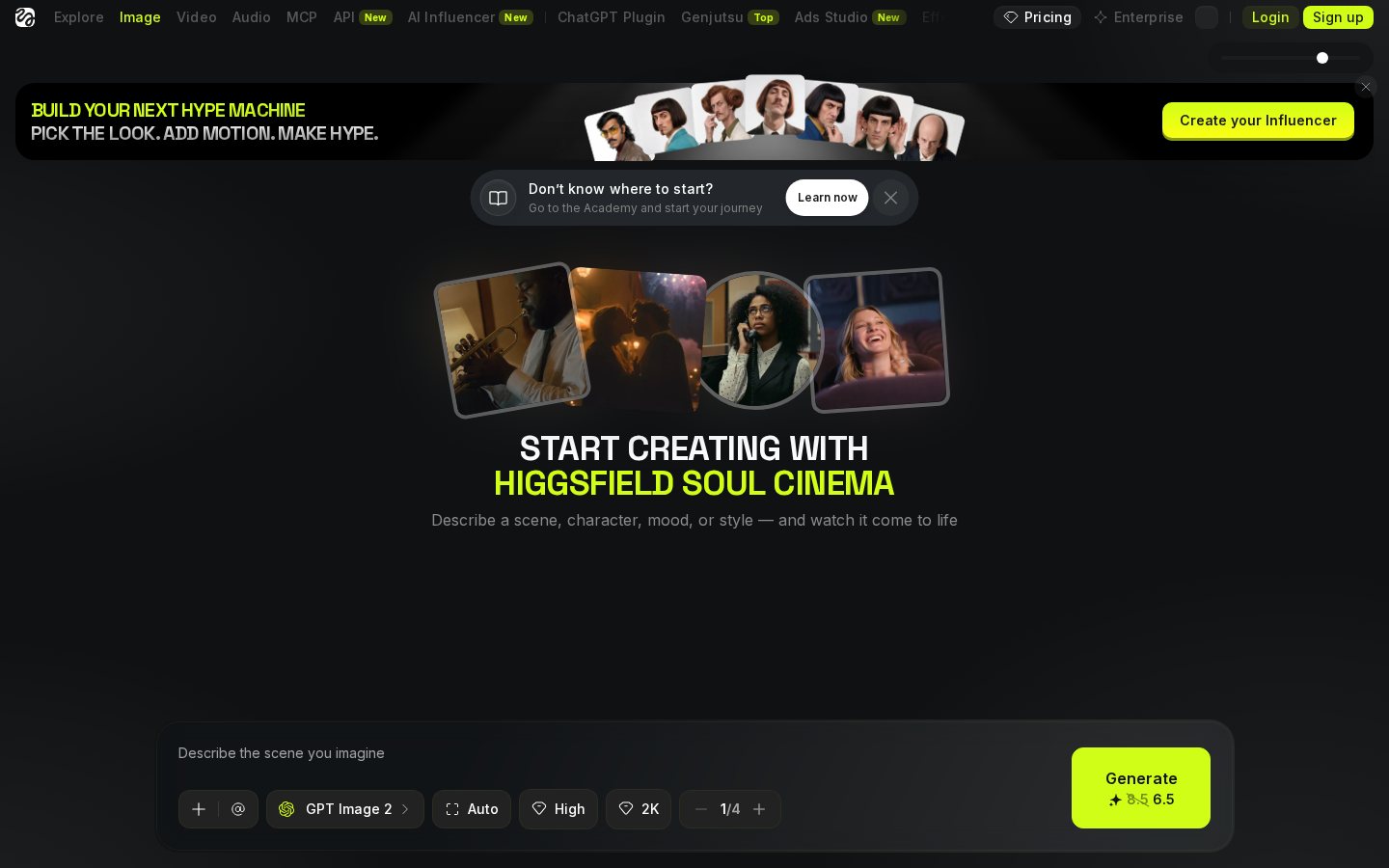
When opening the generation hub, the software directs your focus toward human figures and stylized avatars. Unlike broad, general-purpose generators that prioritize wide panoramic landscapes, this setup asks you to define a subject first. You enter text descriptions that detail the clothing, facial features, and physical attributes of your character, configuring them specifically for the action you intend to animate.
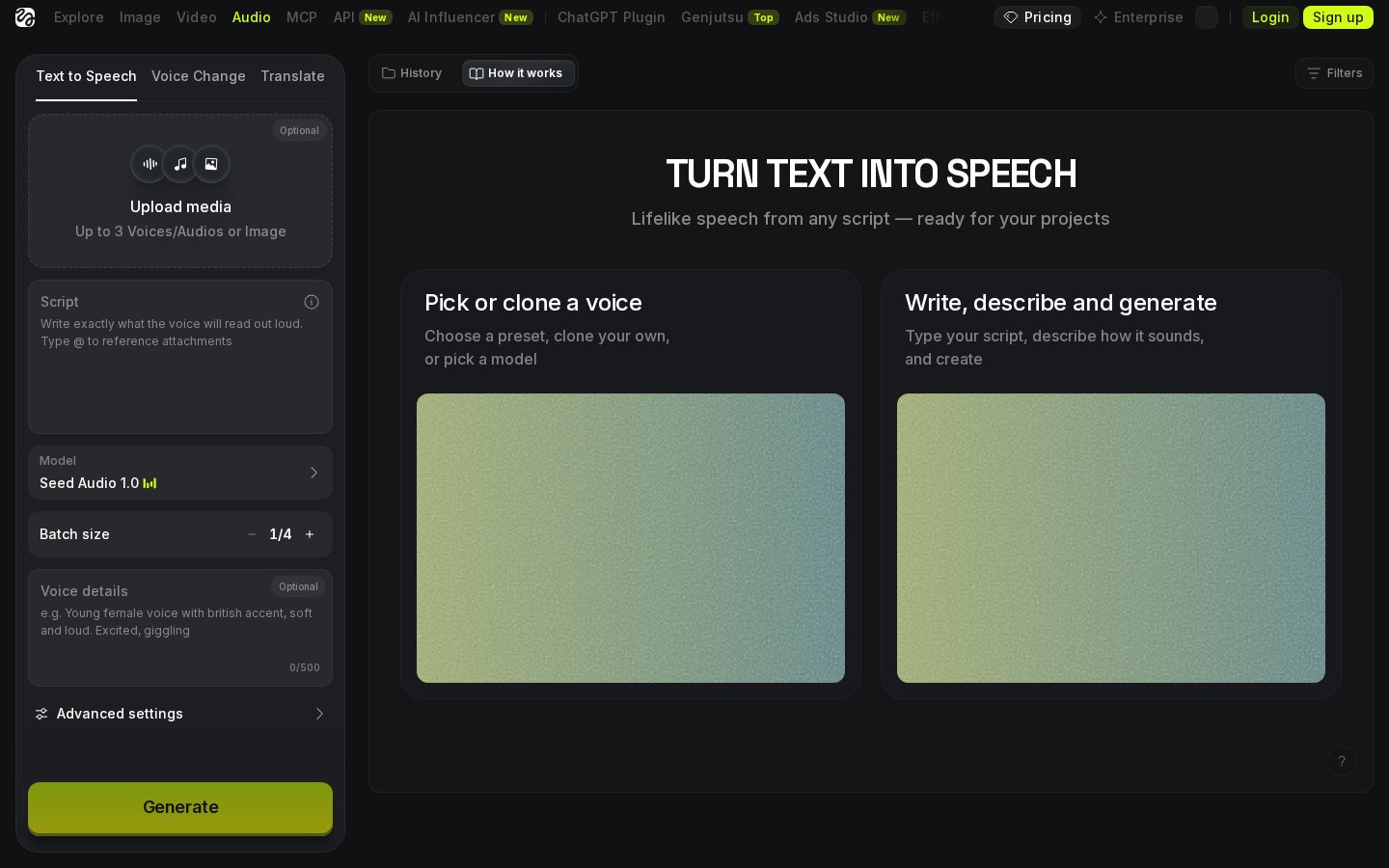
The engine interprets these descriptions through a specialized model trained to maintain anatomical structure. This focus minimizes the common problem of extra limbs or melting faces during rapid movements. To see how this architecture performs across multiple generation tests, read our Higgsfield review for an in-depth breakdown of visual fidelity and asset consistency.
The interface relies on motion metadata to map text descriptions directly onto simulated skeleton structures. When you type "jumping" or "waving," the tool does not simply fade between static images. Instead, it attempts to calculate weight, gravity, and skeletal motion, producing a much more believable physical performance than general-purpose tools that lack specialized physical simulators.
This specialized focus makes the generation screen highly productive for creators who build their content around a central host or digital spokesperson. However, it can feel restrictive if you want to generate abstract art, architectural flythroughs, or inanimate objects. The prompt helper tools and prepopulated style tags heavily favor human-like models, steering you toward character-centric outcomes and limiting your ability to generate purely environmental scenes.
The Mobile-First App Environment and Export Workflow
The user experience is built primarily for mobile operating systems, emphasizing a vertical portrait orientation that matches modern social platforms. This design choice influences how you navigate menus, select generation options, and view previews. Standard desktop video editors often feel cramped on a phone, but this interface places all critical rendering buttons, aspect ratio selectors, and style menus within thumb's reach.
The platform handles the heavy rendering work on cloud servers, meaning your device does not overheat. Generating video on a mobile device introduces unique considerations regarding background processing and battery consumption. You can queue multiple rendering tasks, close the app, and receive push notifications when your clips are ready to download, keeping your mobile workflow highly efficient.
Export options are naturally optimized for vertical platforms like TikTok, YouTube Shorts, and Instagram Reels. While you can generate horizontal clips, the interface favors aspect ratios that fill mobile screens. This layout makes it exceptionally easy to preview exactly how your final post will look to your target audience without needing external cropping tools, as highlighted throughout our Higgsfield review.
The trade-off is a lack of deep, timeline-based editing features that professional desktop suites offer. You cannot easily layer audio tracks, splice multiple scenes with frame-by-frame precision, or apply complex color grading curves. The workspace is a streamlined generation hub designed for speed and convenience rather than exhaustive post-production control, making it a specialized helper rather than a full editor.
The Motion Control and Reference Video Workflow
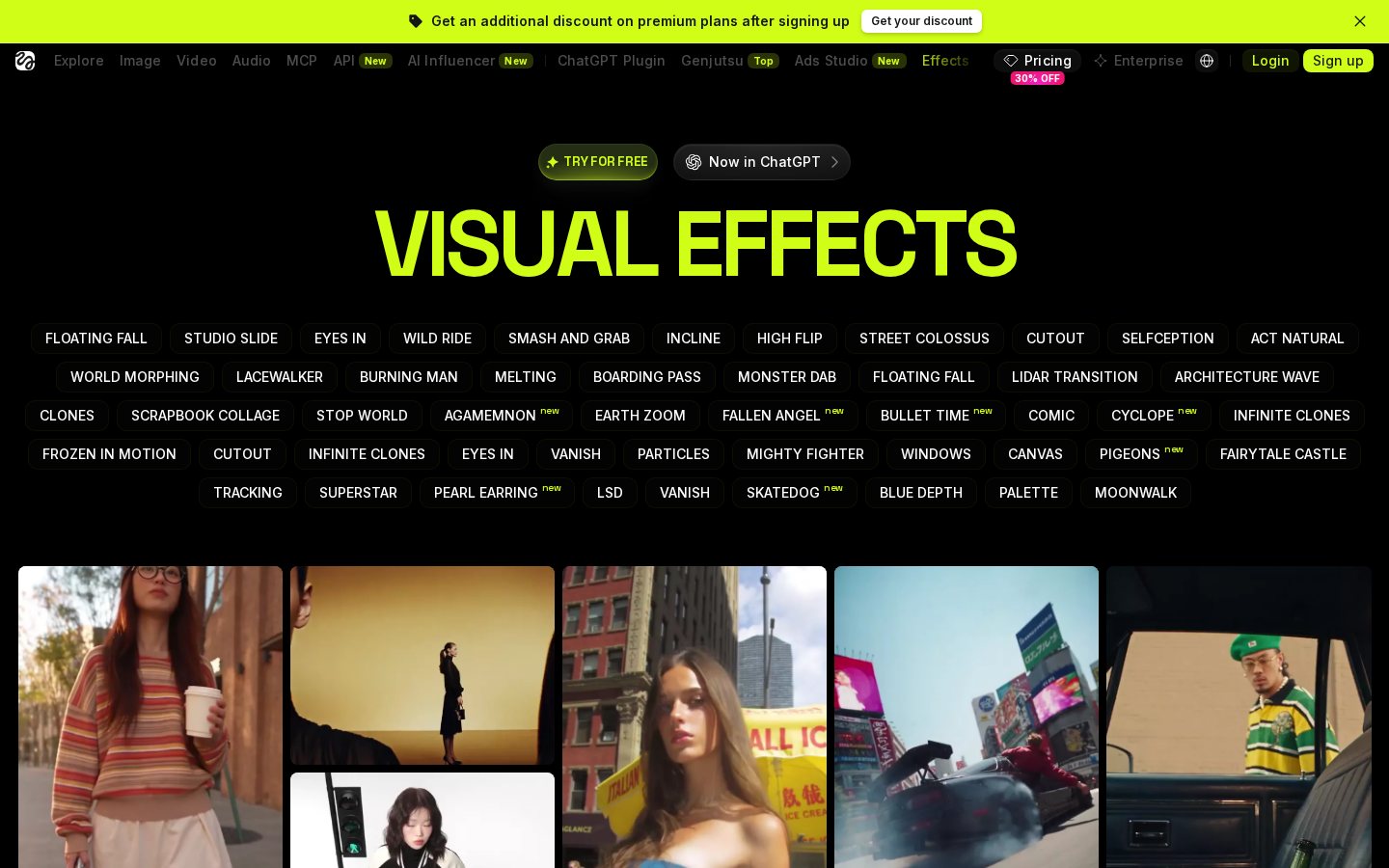
The standout capability of this tool is its ability to translate motion from a real-world video onto a generated character. This process uses pose estimation to track the movement of a person in a source video and apply those exact physical paths to your digital avatar. You upload a reference clip of yourself performing an action, and the software replicates that choreography on your character using pose estimation technologies.
This reference-based workflow bypasses the trial-and-error of text prompting, where describing complex physical actions like a specific dance step or acrobatic flip is nearly impossible. By using a physical reference, you gain direct control over timing, velocity, and spatial orientation. The character stays on model because the underlying motion template remains anchored to the driving video throughout the generation process.
Clean output depends heavily on the clarity of your reference video. If the source material features low lighting, loose clothing, or multiple overlapping subjects, the tracking engine can lose orientation, resulting in glitchy or distorted movements. To get clean results, your reference clips should feature a single, clearly illuminated subject with distinct limb movements.
For creators who want to put virtual avatars into specific real-world scenarios, this motion-transfer system is highly efficient. It eliminates the need for expensive motion-capture suits, specialized studio spaces, or complex 3D animation software. However, if you do not want to film yourself or source reference videos, you lose access to the platform's most powerful differentiator and are left with basic text prompting.
Comparing Workflow Styles: Higgsfield vs. Cinematic Competitors
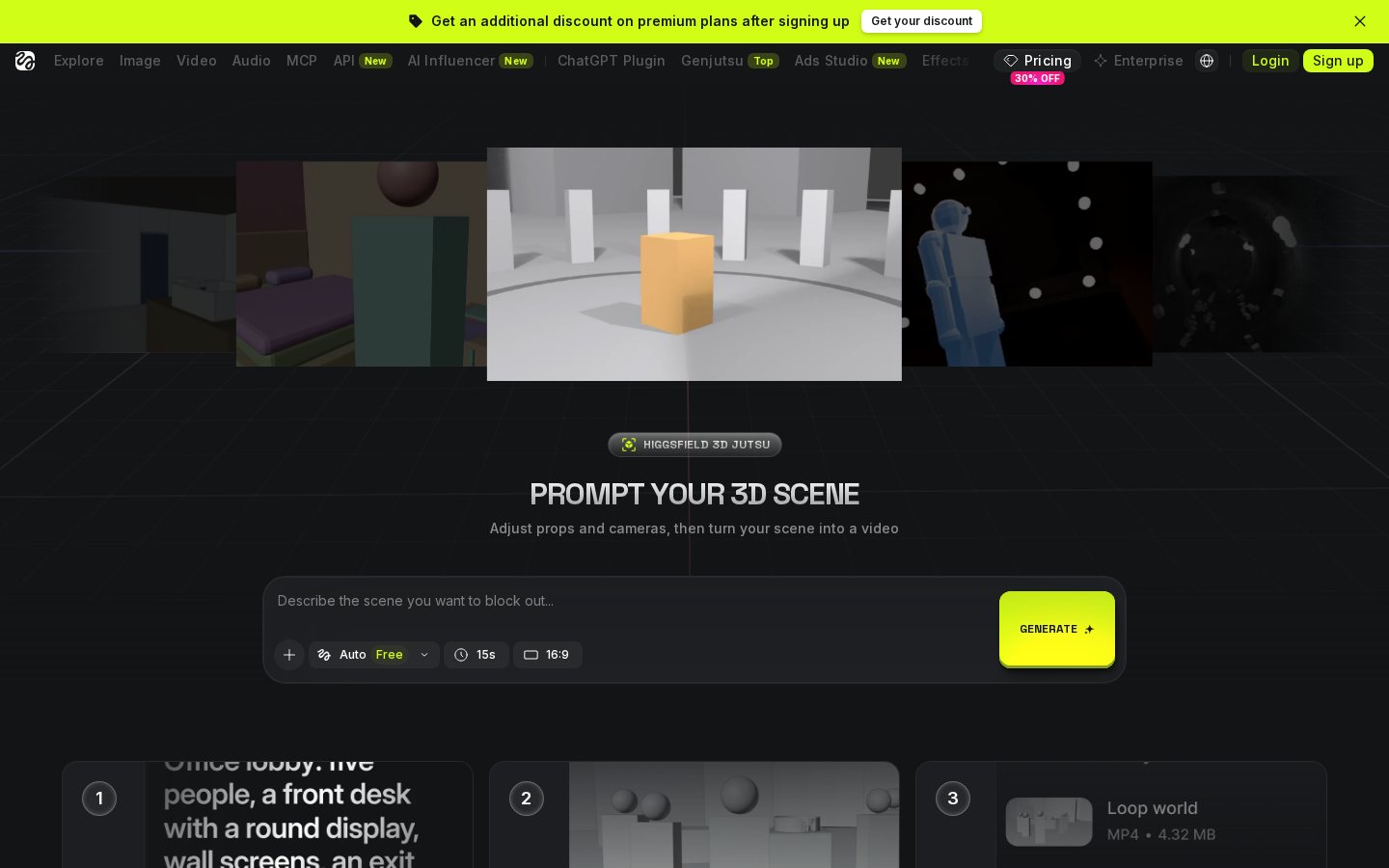
To understand where this platform fits, it is helpful to contrast its design directly against traditional cinematic AI video engines. Cinematic platforms prioritize sweeping camera sweeps, hyper-realistic textures, and horizontal widescreen aspect ratios. They excel at creating slow-motion environmental shots that look like high-budget film sequences but struggle with complex human coordination or rapid, specific physical tasks.
Conversely, this mobile-centric tool sacrifices epic environmental scale and complex lighting effects to solve the hard problem of believable human motion. It is designed to handle rapid, expressive physical movements that would cause other generators to warp into abstract shapes or lose character consistency. Understanding these architectural differences is key to choosing the correct application for your specific creative projects.
Here is how the key operational differences break down between the two methodologies: - Layout: Higgsfield defaults to vertical, portrait aspect ratios optimized for mobile viewports. - Input Control: Higgsfield uses physical reference videos to dictate exact skeletal motion, whereas cinematic tools rely primarily on text commands and camera-direction buttons. - Subject Focus: Higgsfield optimizes its neural networks for human anatomy and facial expressions, while cinematic engines focus on lighting, texture realism, and atmospheric physics. - Production Speed: Higgsfield prioritizes rapid, on-the-go rendering for quick social uploads, while cinematic tools require longer render times and more complex prompt tuning.
When you look at these aspects side by side, it becomes clear that neither tool is a replacement for the other. They serve entirely different phases of the online video ecosystem. If you try to force a mobile motion-transfer tool to generate a cinematic sci-fi landscape, the results will likely disappoint, just as a desktop generator will struggle to animate a specific dance routine without glitching.
Who Should Skip Higgsfield Based on Creative Pipeline
Deciding whether to adopt this platform or skip it comes down to your primary distribution channel and editing environment. If your goal is to build a highly personal, fast-paced social media brand, the mobile workflow is incredibly advantageous. You can capture a movement on your phone camera, apply it to a stylized character, and export the finished clip in minutes without leaving your phone.
You should choose this tool if your content relies on digital avatars, virtual influencers, or animated host segments. The ability to control movements via reference video provides a level of choreography that traditional prompting simply cannot match. It bridges the gap between raw video footage and custom animation for quick turnaround times.
On the other hand, you should skip Higgsfield if your productions require horizontal cinematic framing, multi-track audio mixing, or detailed color correction. The lack of precise, timeline-based desktop editing tools will slow down professional post-production teams who need to coordinate complex sound designs and multi-camera sequences. For those projects, a desktop-native suite remains essential to maintain quality.
Ultimately, you should evaluate your willingness to use your phone as your primary production hub. Creators who enjoy filming quick physical references and editing on the go will find the mobile-first design highly intuitive. If you prefer the stability, large screens, and granular control of a desktop mouse and keyboard, other web-based platforms will better serve your creative style and screen preferences.

Frequently asked
As an Amazon Associate I earn from qualifying purchases. This does not affect the price you pay. Affiliate disclosure