Who Should Use Shopify, and Who Should Skip It?
Decide if Shopify fits your online business using our breakdown of its inventory tools, template limits, and processing fees.

Some links are affiliate links: we may earn a commission if you sign up or buy through them, at no extra cost to you.
On this page8 sections
- 1The short answer
- 2Managing Inventory and Catalog Scalability inside the Dashboard
- 3Handling Payment Processing and Checkout Rules
- 4Customizing Storefront Layouts via the Theme Editor
- 5Comparing Shopify with Content-First Platforms
- 6Factoring in App Store Costs and Extensions
- 7Deciding Which Platform Fits Your Business Plan
- 8Frequently asked
The short answer
- Choose Shopify if you sell physical goods and need a fully hosted, highly scalable inventory system.
- Skip Shopify if your primary focus is content publishing, digital portfolio display, or low-cost hobby projects.
- Be prepared for ongoing operational costs from necessary third-party application store extensions and payment processing fees.

Shopify is ideal for product-focused sellers who need a scalable, all-in-one transaction system. Skip it if you primarily run a content-driven blog, offer simple services, or require absolute control over custom server hosting configurations.
Running an online retail operation requires balancing physical stock tracking, checkout security, and shipping logistics. While many basic website builders offer simple shopping carts, specialized platforms build their entire digital ecosystem around transactional efficiency. Selecting the wrong foundation can lead to highly complex and expensive migrations later.
This guide explains where this popular platform succeeds, where it introduces unexpected friction, and how it handles daily workflows. By analyzing design constraints, payment processors, and actual software expenses, you can determine if this tool matches your technical skills and business model.
Managing Inventory and Catalog Scalability inside the Dashboard
The core of the retail management workflow lives within the main admin panel, where merchants organize stock, monitor order fulfillment, and configure catalogs. For businesses handling dozens or thousands of physical items, this central dashboard acts as a reliable source of truth. The interface allows quick adjustments to stock levels across multiple retail warehouses or digital storage spaces, saving hours of manual data entry.
When adding new inventory items, you must define specific attributes like weight, size options, and manufacturing codes. The software structures these details into structured product listings with dedicated fields to maintain design consistency across your storefront. However, merchants with highly complex catalogs often run into platform constraints regarding variant limits, which restrict the total number of options per listing unless you install custom code.
High-volume sellers will find the automated collection features highly valuable for daily organization. Instead of manually categorizing every new arrival, you can establish preset rules based on pricing, vendor names, or product tags to group your items dynamically. For a deeper look at how these backend tools scale, explore our detailed Shopify Review 2026: Pricing, Fees and Who It's For.
Fulfillment is managed directly within this database, letting you print shipping labels and calculate live carrier rates automatically. This integrated workflow reduces the need for external shipping managers, ensuring customers receive accurate tracking details the moment their packages depart. The system is designed to streamline physical shipping, making it incredibly powerful for traditional retail logistics.


Handling Payment Processing and Checkout Rules
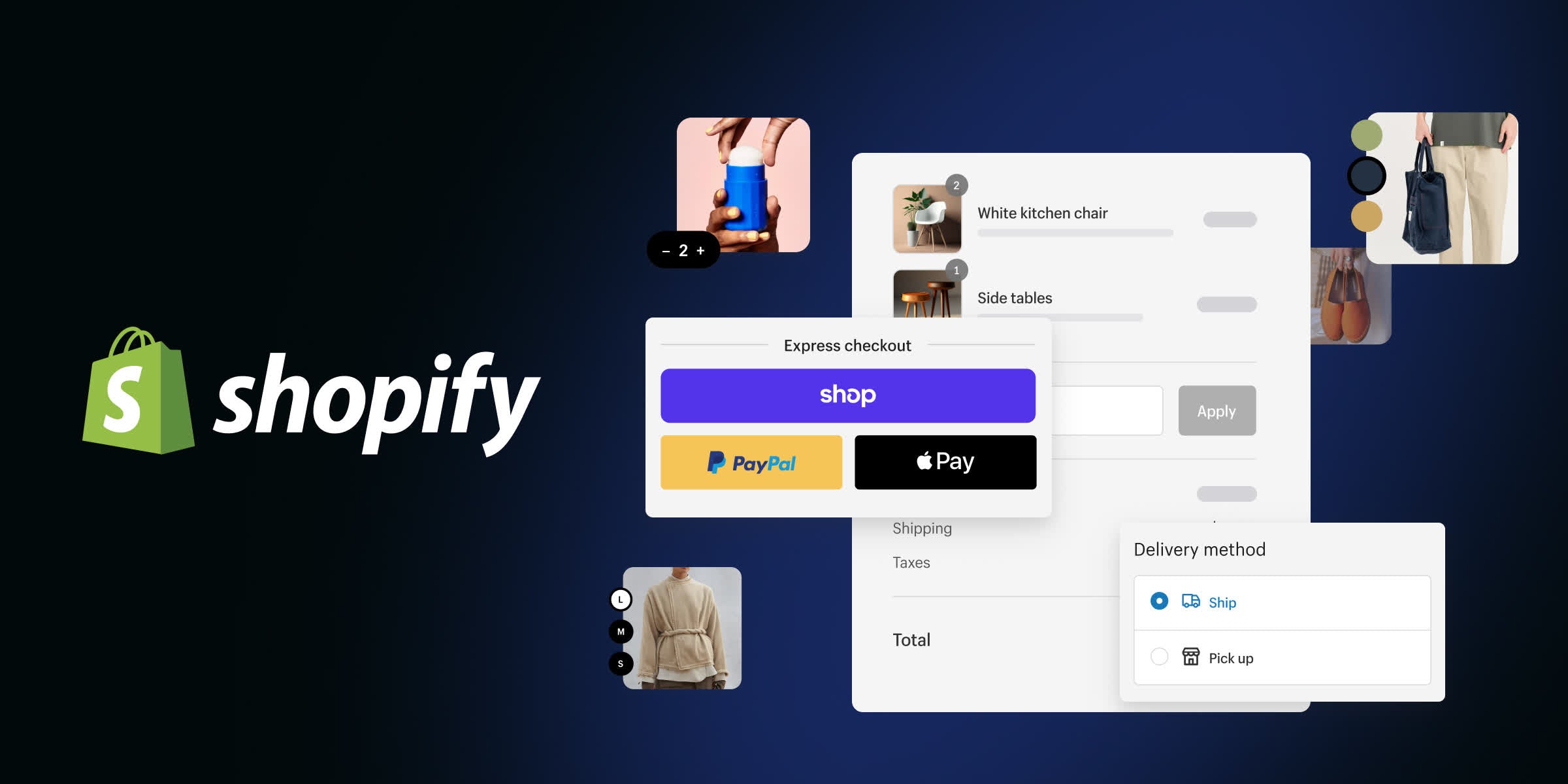
A secure checkout sequence is critical for maintaining consumer trust and maximizing sales conversions. This software routes every buyer through a standardized, highly optimized checkout system designed to minimize cart abandonment rates. By managing security compliance behind the scenes, the hosting service relieves independent business owners of the massive burden of handling sensitive financial data directly.
To accept payments, most store owners rely on the native payment service built directly into the financial settings. Utilizing this internal processor is highly advantageous because it eliminates secondary transaction fees. However, if your specific business requires an external payment gateway to process regional currencies, the platform levies an additional percentage charge on every customer invoice.
Customizing the visual style of this checkout page has historical limitations. Standard subscription tiers offer restricted access to the checkout file, allowing you to edit only basic brand logos and primary button colors. Businesses requiring unique checkout fields, custom fields, or post-purchase upsell scripts are forced to upgrade to the high-tier enterprise version, which demands a massive increase in overhead.
Despite these rigid constraints, the basic checkout configuration handles complicated calculations seamlessly. It automatically computes local sales taxes, manages regional shipping surcharges, and screens transactions for potential fraud patterns. This balanced focus on security and speed works perfectly for standard operations, but businesses requiring highly non-standard checkout paths may find the system frustratingly rigid.
Customizing Storefront Layouts via the Theme Editor
Building a unique brand identity starts in the visual theme customizer, where you manipulate the public appearance of your storefront. Merchants select a foundational layout template and customize the content using visual drag-and-drop tools. This editing workflow ensures your website remains fully responsive across mobile screens and desktop monitors without requiring separate design files.
The layout engine uses modular sections that allow you to reposition image banners, product grids, and promotional announcements. However, the visual editor operates within strict structural boundaries determined by your active template. If you want to place a custom element outside of these pre-defined zones, you must edit the underlying code files directly using a specific web developer workflow.
For creative brands that require absolute visual freedom, this structured layout interface can feel overly restrictive compared to open canvas design programs. While you can construct completely custom digital storefronts using a headless architecture, doing so requires hiring professional web engineers. Most emerging businesses will need to compromise and adapt their design ideas to what their pre-built template allows.
Managing media assets is streamlined through a central files library that compresses photos automatically to maintain fast page speeds. This back-end optimization is critical because slow-loading product pages directly damage your organic search rankings and consumer conversions. The theme customizer balances quick development with structural limits, protecting non-technical store owners from breaking their own site designs.
Comparing Shopify with Content-First Platforms
Choosing between a dedicated transaction engine and a content-oriented system depends heavily on your marketing strategy. While e-commerce engines focus on moving inventory through a basket, content-first platforms prioritize article publishing, portfolio display, and community interaction. Understanding how these systems differ clarifies where your daily operational hours will actually be spent.
Let us look at how these two different architectural styles handle core publishing and store management tasks point by point: - Hosting: Shopify hosts your online storefront entirely on its own cloud servers, while WordPress requires you to secure your own self-hosted server environment. - Inventory Setup: Shopify provides built-in catalog management tools right out of the box, while WordPress requires installing extra external e-commerce plugins to manage stock. - Theme Editing: Shopify restricts deep visual layout modifications to defined template blocks, while WordPress allows open-ended design changes through page-builder extensions. - Security Updates: Shopify automatically maintains PCI compliance and SSL certificates for your checkout page, while WordPress places the responsibility of security monitoring on the site owner.
For publishers whose primary customer acquisition channel is extensive blogging, content-first setups are generally superior. The rigid writing interfaces in commerce-centric software make it difficult to organize multi-author publications or style complex editorial layouts. However, managing security plugins on an open-source platform demands constant technical vigilance.
Conversely, if your corporate blog exists merely to support physical product sales, the hands-off nature of a hosted commerce system is highly preferable. You avoid dealing with database crashes, outdated security certificates, and broken plugins. This lets you dedicate your cognitive energy entirely to inventory sourcing and customer relationship management.
Factoring in App Store Costs and Extensions
While the core software covers the essential mechanics of digital retail, specialized business models inevitably require advanced tools. This is where the extensive application marketplace becomes an essential part of your management workflow. Whether you need to integrate loyalty programs, calculate custom taxes, or manage wholesale pricing, there is an add-on designed to handle the task.
However, extending site functionality through integrations can dramatically increase your monthly software overhead. Most software extensions in the marketplace operate on a recurring subscription model rather than a one-time purchase price. Accumulating a handful of these utility apps can easily double your baseline operating expenses before you make your first sale.
Furthermore, installing a high volume of third-party apps can negatively impact your storefront performance. Every active plugin injects additional tracking scripts and stylesheet files into your page code, which can slow down browsing speeds. It is vital to perform regular audits of your active integrations to uninstall any software that is not driving measurable conversion gains.
To see how these cumulative app expenses compare to all-inclusive software options, refer to our comprehensive Shopify Review 2026: Pricing, Fees and Who It's For. Planning for these extra software integrations early prevents your business from running into budget bottlenecks during the critical launch phase.

Deciding Which Platform Fits Your Business Plan
When making your final platform decision, look closely at your product catalog, available development budget, and primary marketing strategy. Shopify is the right choice for sellers who plan to make physical retail their primary source of income and want a highly secure, maintenance-free web host. It allows your business to scale from a single product to thousands of daily shipments without technical friction.
Conversely, you should skip this tool if your business operates without physical inventory or complex fulfillment needs. If you only sell consulting hours, digital downloads, or individual event tickets, simpler website builders offer lower overhead and more creative layout flexibility. There is no need to pay for heavy inventory databases if you do not have physical goods to track.
Starting budget is another major deciding factor. If you are launching a small creative hobby with unpredictable monthly transaction volumes, the fixed monthly subscription fees of a dedicated commerce builder might consume all your initial profits. Starting with a free content site that uses basic buy buttons might make more sense while you validate your business model.
Ultimately, align your software choice with your main operational challenge. If your business depends on tracking physical storage boxes, printing shipping labels, and managing variant listings, select the dedicated commerce tool. If your business revolves around publishing media, organizing events, or showcasing freelance services, select a flexible, content-centric system instead.

Frequently asked

As an Amazon Associate I earn from qualifying purchases. This does not affect the price you pay. Affiliate disclosure