How to Choose the Best Submagic Alternatives for Video
Compare the best Submagic alternatives like Opus Clip, Captions.ai, and Descript to find the right AI subtitle and video editing tool for your brand.

Some links are affiliate links: we may earn a commission if you sign up or buy through them, at no extra cost to you.
On this page8 sections
The short answer
- Opus Clip and Vidyo.ai excel at automatically finding and cutting viral hooks from long videos.
- Captions.ai offers advanced mobile-first styling, eye-contact correction, and multi-language translation features.
- Descript provides a comprehensive text-based timeline edit suite with studio-grade audio restoration tools.
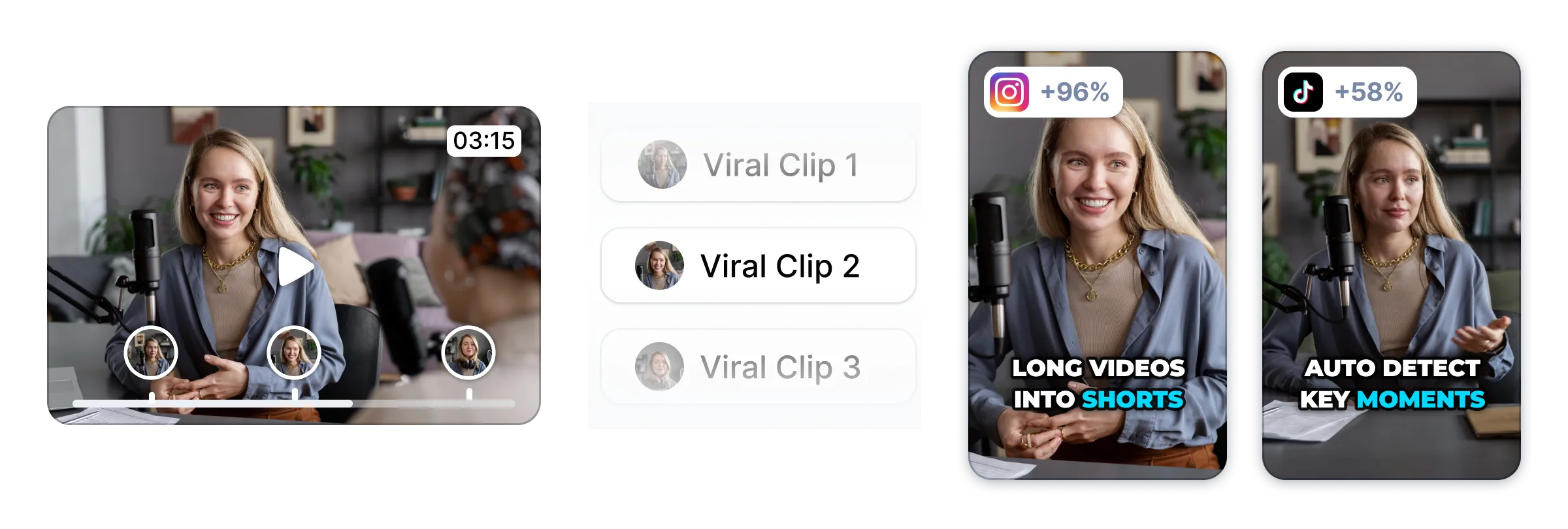
The best alternatives to Submagic include platforms like Opus Clip, Captions.ai, Descript, and Vidyo.ai. These Submagic alternatives offer automated captioning, AI-driven B-roll insertion, and short-form video resizing to streamline your social media content creation. Depending on your specific editing workflow, choosing the right platform can significantly reduce your post-production time.
While Submagic is highly regarded for its fast caption generation and preset kinetic typography styles, it is not always the best fit for every creator. Some users require advanced audio correction, multi-language translation, or the ability to edit video by editing text. Understanding the nuances of each competitor helps you avoid paying for features you do not need, especially if your team already uses professional editing suites.
When choosing an alternative, it is helpful to look at how each tool integrates into your daily production pipeline. Some platforms act as fully featured, multi-track editors with advanced timelines, while others function as specialized utilities meant to process finished files. Let's examine how these tools compare across key editing features so you can make an informed choice for your specific creative setup.
The Core Competitors in AI Video Captioning
While Submagic gained wide popularity for its distinct animated subtitles, creators often search for alternatives that offer different editing capabilities. Some users find pre-made templates restrictive for professional brand styling, while others need robust options for long-form video editing. The market now features several powerful tools designed to address these specific gaps, allowing creators to select software that aligns with their editing experience level.
Platforms like Opus Clip and Captions.ai stand out as direct competitors. Opus Clip focuses heavily on taking a single long video and slicing it into multiple short-form pieces using automated curation. This is particularly useful for podcasters. Captions.ai, on the other hand, is a mobile-first and desktop editing tool known for advanced features like eye-contact correction and complex text tracking that keeps viewers focused on the speaker.
Other alternatives include Descript and Vidyo.ai, which serve distinct roles in the content creation pipeline. Descript offers a complete text-based editing environment where modifying the transcript directly changes the video timeline, removing filler words automatically. Vidyo.ai caters specifically to social media teams looking to repurpose webinars and virtual events into various platform sizes quickly, using customizable brand kits and templates.
How Subtitle Customization and Styling Differ
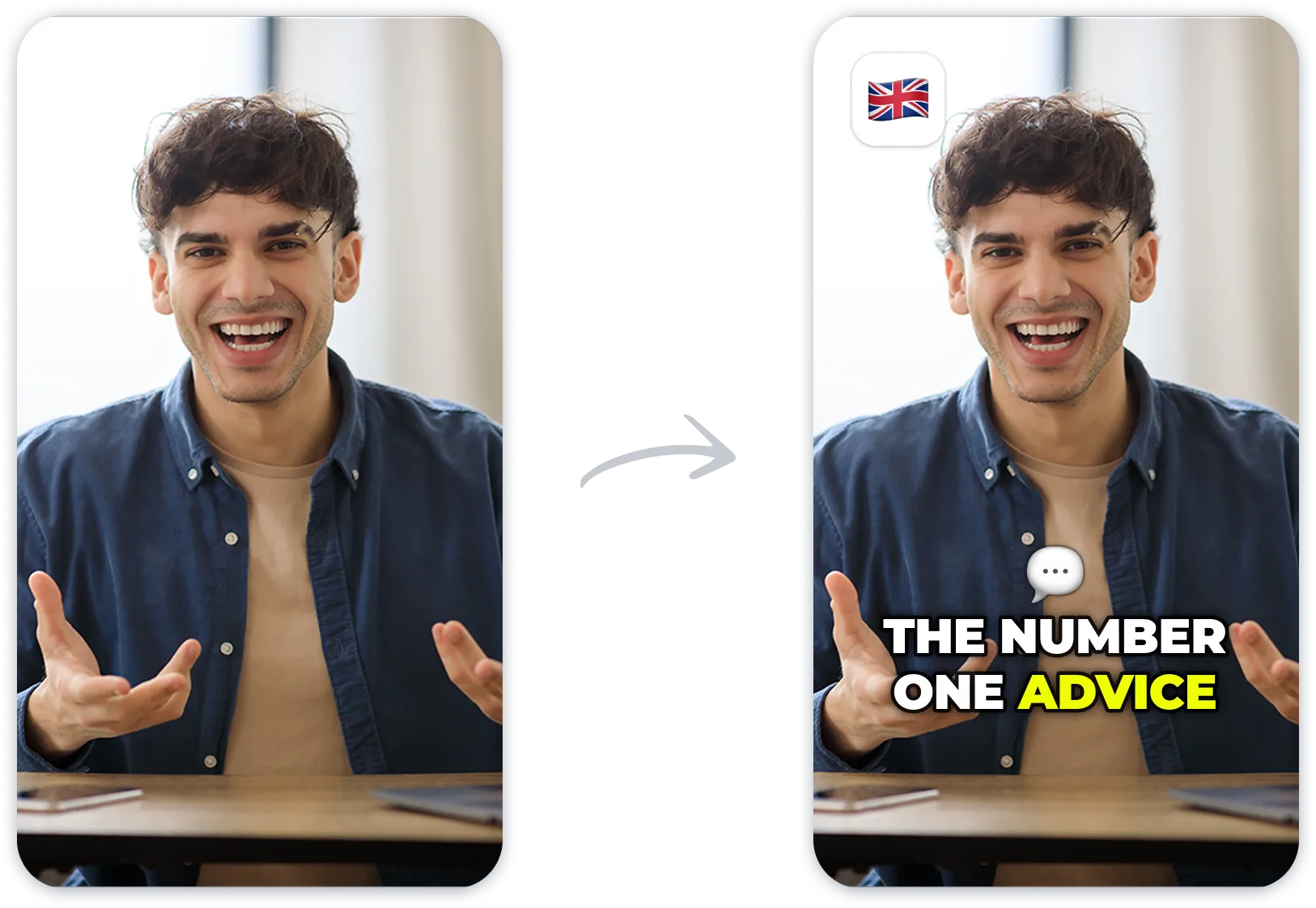
The primary appeal of automated captioning tools is their ability to produce highly engaging kinetic text. Submagic uses dynamic, high-energy templates inspired by popular social media influencers to capture attention. However, if your work requires highly customized styling, exact positioning, or strict adherence to corporate brand guidelines, other alternatives provide far greater design flexibility and styling options.
For creators seeking maximum control, Captions.ai offers a deep layout system. It lets you customize individual word highlights, adjust text transitions, and apply exact brand colors. If you have unique brand typography, this platform supports direct font file uploads, offering more flexibility than the templated approach found in the standard Submagic review feature set, which relies more heavily on fixed design choices.
Descript handles styling through an open-ended composition canvas rather than simple templates. Instead of choosing a pre-packaged template, you design subtitles as independent layers, allowing you to position them anywhere on screen. This lets you build custom kinetic typography, adjust shadow depths, and control animations manually when automated options do not match your project requirements or client expectations.
Comparing the Core Editing Workflows
The workflow of your chosen software directly impacts your daily post-production speed and creative output. Submagic follows a linear processing model where you upload a finished clip, generate subtitles, and export. Alternatives offer varied structures, ranging from automatic highlight detectors to complete transcript-based timeline editors, changing how you interact with raw media files.
Understanding these structural differences is essential for matching a tool to your production habits. Here is how the primary editing workflows compare across these competing platforms: - Aspect: Submagic processes pre-edited clips to apply emojis and text animations; Opus Clip scans long videos to automatically select viral hooks. - Aspect: Descript utilizes text-based timeline editing where deleting words deletes video frames; Captions.ai uses a mobile-first timeline for manual keyframe adjustments. - Aspect: Vidyo.ai provides multi-platform templates to resize one video into multiple vertical and square layouts; Submagic focuses on one aspect ratio export at a time.
If you already edit your videos in professional software and simply want caption overlays, a straightforward styling utility is perfect for your needs. However, if you want a tool that analyzes hours of raw footage to find the most compelling segments, a clip generator like Opus Clip will save you significant manual labor by automating the selection process.
Automated B-Roll and Asset Generation
Keeping viewers engaged throughout a vertical video often requires visual variety, such as cuts and graphic inserts. Submagic uses an AI engine to scan your transcript, identify key themes, and automatically overlay relevant stock footage and sound effects. This reduces the time you spend manually searching asset libraries to cover your edits.
Several alternatives handle visual overlays with different approaches to asset curation. Opus Clip provides an automated overlay system that identifies important moments and places stock footage over the text. The success of this feature depends on the integrated asset databases, which can occasionally produce repetitive imagery if the video topic is highly specialized or technical.
Captions.ai takes asset creation a step further by utilizing generative AI image creation. Instead of relying solely on standard stock video libraries, it can generate custom graphics and zoom effects based on the literal meaning of your words. This offers a highly distinct visual style, though it may require more fine-tuning than the streamlined system described in our Submagic review guide.
Audio Enhancement and Voice Tools
High-quality video content is ineffective if the audio is difficult to understand. Submagic offers automated background noise removal and vocal leveling to polish your audio tracks before export. However, competitors that started as audio-first tools provide much more robust audio engineering features that can save bad recordings.
Descript is particularly strong in this area due to its studio sound processing technology. This system reconstructs low-quality voice recordings, removing room echo and background hums while restoring lost vocal frequencies to sound like professional microphones. It also includes an AI voice replication tool, allowing you to correct spoken mistakes by simply typing the replacement text directly.
Captions.ai provides advanced noise cancellation alongside unique speech tools like language translation with lip synchronization. If you need to distribute your content internationally, this tool can translate your voice while adjusting your lip movements to match the translated audio. This is a level of speech modification not found in basic subtitling applications, making it ideal for global brands.
Which One Should You Pick?
Your final decision should depend on where your video production pipeline experiences the most friction. If your primary challenge is converting long podcasts or webinars into bite-sized clips, Opus Clip or Vidyo.ai are highly efficient solutions. They automate the selection of hooks and handle bulk resizing with minimal input, making them perfect for fast social publishing.
For creators who want total creative authority over their compositions, audio quality, and detailed text layouts, Descript serves as a complete desktop editing solution. It operates more like an advanced workstation than a single-purpose app, which you can compare to dedicated subtitle tools in our Submagic review analysis to see which structure fits.
If your goal is to edit fast, highly stylized vertical videos directly on your phone or through a browser, Captions.ai offers the most competitive modern toolset. By matching each platform's core strength to your editing bottleneck, you can select the tool that saves you the most production hours and provides the right aesthetic.
Frequently asked
Some links are affiliate links: we may earn a commission if you sign up or buy through them, at no extra cost to you. Affiliate disclosure