How Much Does Fliki Really Cost Per Month?
Evaluate the true monthly cost of Fliki by understanding its credit-based tiers, hidden rendering fees, and limits on realistic AI voices.
Some links are affiliate links: we may earn a commission if you sign up or buy through them, at no extra cost to you.
On this page8 sections
- 1The short answer
- 2Understanding the Credit-Based Subscription Structure
- 3The Free Tier Constraints and Hidden Limitations
- 4Standard versus Premium Paid Tiers
- 5How to Estimate Your Monthly Credit Usage
- 6Hidden Factors That Inflate Your Monthly Bill
- 7Which Subscription Plan Fits Your Video Workflow?
- 8Frequently asked
The short answer
- Fliki uses a credit-based system where users pay for monthly video and audio generation minutes.
- The free option serves as a trial but includes watermarks and limited video resolution.
- Upgrading removes watermarks, increases export resolution, and grants access to high-quality realistic AI voices.
The actual monthly cost of Fliki depends entirely on your chosen tier and whether you pay monthly or annually. While a limited free tier exists, consistent creators will need to choose between the standard and premium paid plans which charge based on video generation minutes.
Understanding these tiers requires looking beyond the basic monthly subscription fee. You must account for how generation credits are consumed, how resolution limits affect your output, and whether you require advanced features like cloned voices or API access.
Choosing the wrong tier can quickly leave you with unfinished projects at the end of the month or force you to pay for unused capacity. Let us break down how this pricing structure works in practice.
The quick version
- Determine your weekly video output
- Multiply the weekly total by four
- Add a buffer for revisions
- Factor in multi-language translations
- Match your final number to the
Understanding the Credit-Based Subscription Structure
The core of Fliki's pricing model is a consumption-based system measured in minutes. Instead of paying a flat rate for unlimited video exports, your monthly subscription purchase gives you a specific allotment of processing time. Every second of audio generated or video rendered subtracts directly from your monthly balance. This means your final bill is tied directly to your creative volume. When your billing cycle resets each month, unused minutes expire at the end of each billing cycle and do not roll over. If you do not use your entire balance, those credits are permanently lost. This design forces creators to match their subscription tier carefully to their actual production schedule to avoid wasting money. For those who need to scale up their production temporarily, purchasing extra minutes on top of a base plan is possible. However, relying on these add-on packages is typically less economical than subscribing to a higher tier from the outset.
How to Estimate Your Monthly Credit Usage
- Determine your weekly video output. Calculate the total duration of the videos you plan to publish each week, including short-form and long-form content.
- Multiply the weekly total by four. This gives you a baseline of finished video minutes needed per billing cycle.
- Add a buffer for revisions. Assume you will need to regenerate at least twenty percent of your content due to editing changes or script adjustments.
- Factor in multi-language translations. If you plan to translate your videos into other languages, multiply your baseline by the number of target languages.
- Match your final number to the closest tier. Select the plan that comfortably covers this total without leaving an excessive, unused surplus.
Which Subscription Plan Fits Your Video Workflow?
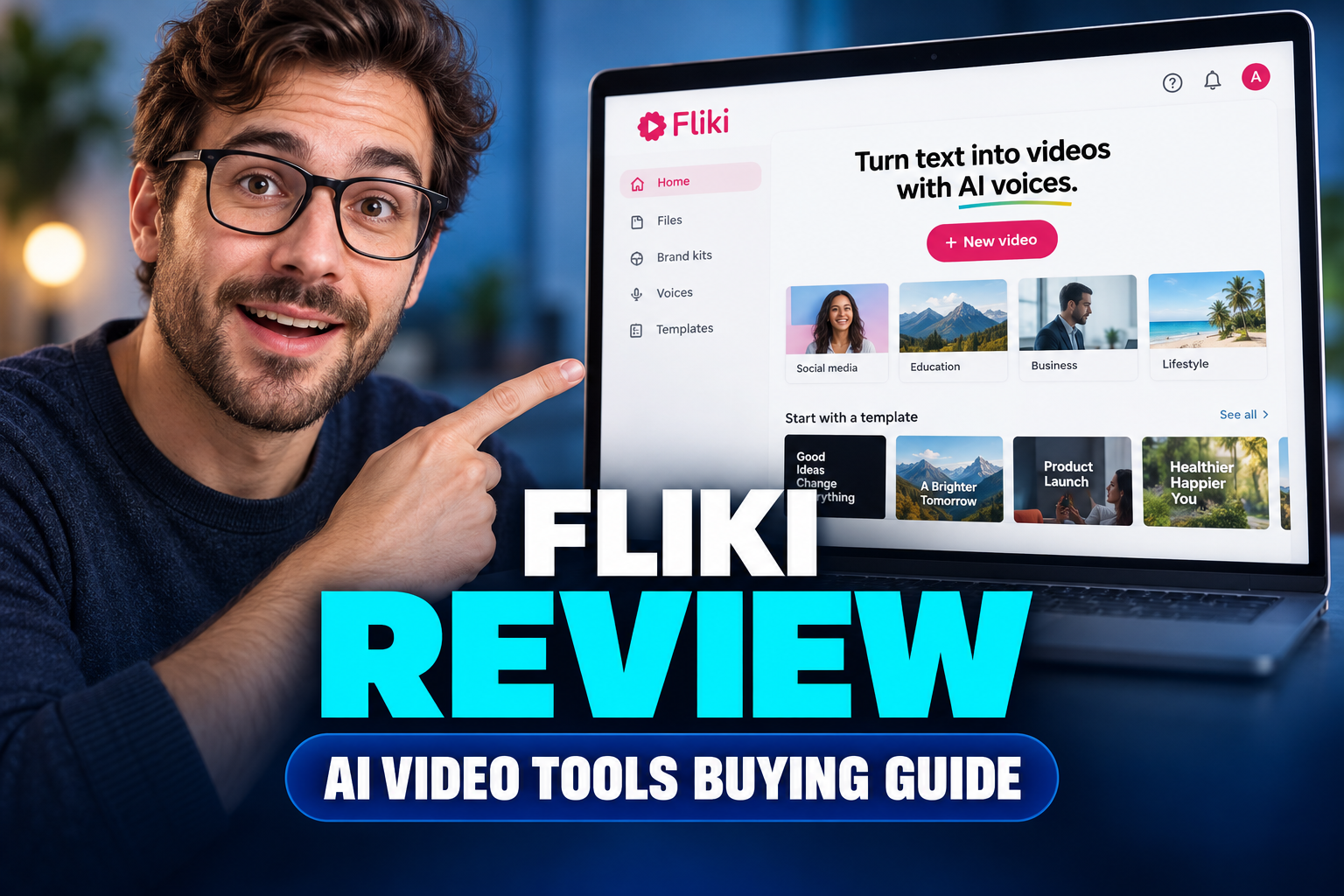
Determining which plan to purchase depends on your publishing frequency, video length, and quality standards. There is no single correct choice, but rather a best fit for your specific creative workflow. You should select the free option if you are completely new to AI video tools and want to practice writing prompts and structuring scripts. This tier lets you learn the interface mechanics without any financial risk, though the resulting videos are not ready for commercial platforms. We have determined that Standard tier is best for solo creators while Premium is designed for agencies who require extensive minutes and top-tier features. Choose the Standard tier if you are a solo creator making standard YouTube videos, social media clips, or training presentations. This level provides clean, watermark-free video exports at high resolutions without the steep monthly cost of the top-tier plans. Opt for the Premium tier if you manage an agency, publish high-volume faceless channels, or require the absolute highest quality of speech synthesis. The advanced voices and voice-cloning features are essential for anyone trying to build a professional brand presence using automated voiceovers. You can learn more about these differences in our comprehensive Fliki Review 2026: Pricing, Credits and Who It's For.
Frequently asked
As an Amazon Associate I earn from qualifying purchases. This does not affect the price you pay. Affiliate disclosure