Is Kling AI Worth Paying For in 2026? What You Need to Know
Decide if Kling AI is worth your subscription by analyzing credit consumption, motion control performance, and local data residency factors.

Some links are affiliate links: we may earn a commission if you sign up or buy through them, at no extra cost to you.
On this page8 sections
- 1The short answer
- 2Navigating the Generation Interface and Prompt Controls
- 3Managing Credit Consumption and Fast Rendering Tiers
- 4Deciding Between Version 1.5 and Version 3.0 Turbo
- 5Understanding Corporate Data Policies and Beijing Hosting
- 6How to Determine If a Subscription Fits Your Creative Workflow
- 7Comparing the Control Options of Kling and US Competitors
- 8Frequently asked
The short answer
- High-fidelity motion control makes paid tiers excellent for filmmakers requiring specific, granular camera movements.
- Credit systems burn through monthly allocations quickly when rendering high-definition, multi-second video clips.
- Data governance policies under Chinese parent company Kuaishou might conflict with strict corporate privacy mandates.
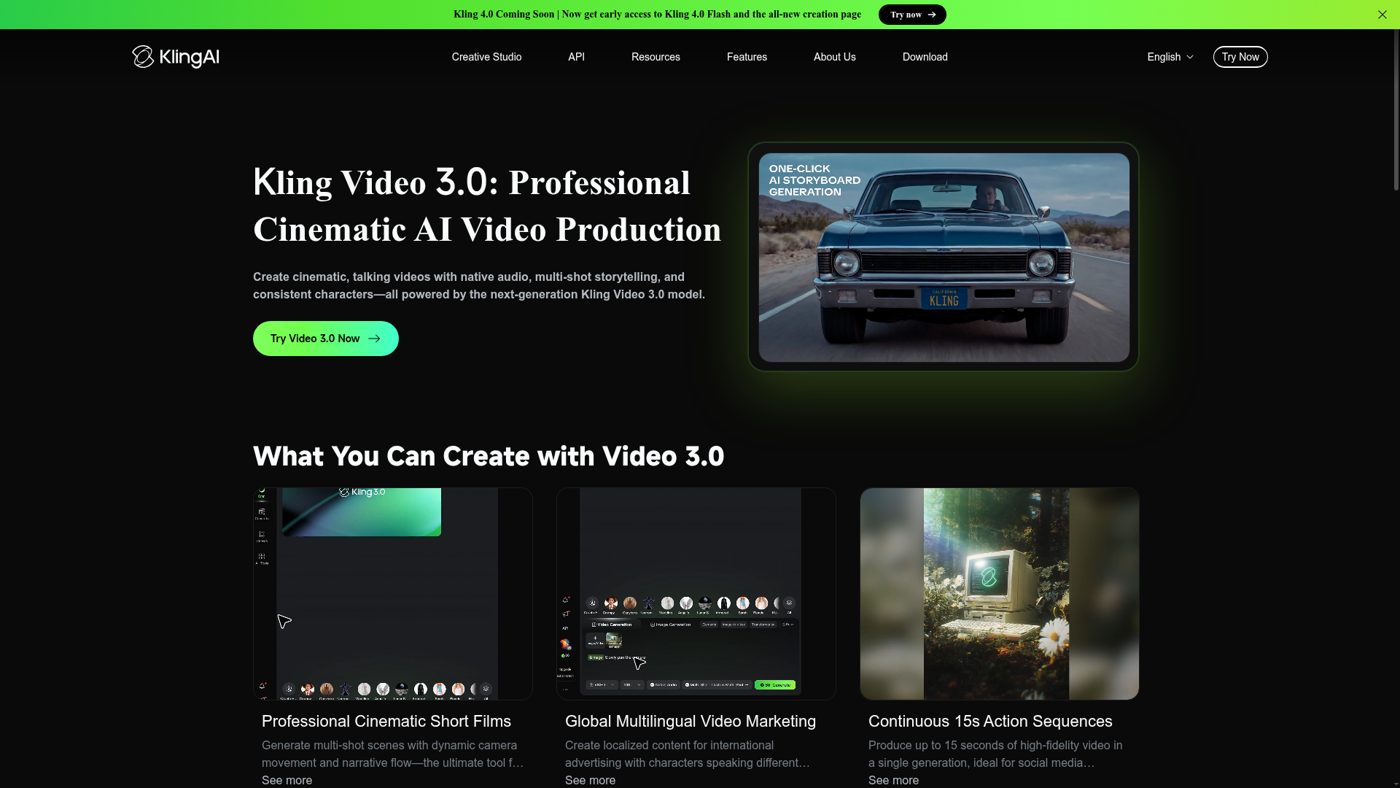
Paying for Kling AI is worth it if you regularly produce high-fidelity commercial video campaigns and require precise camera movement controls. For casual creators or those with strict data privacy mandates, the free tier or alternative local models remain superior.
Visual creators evaluating these platforms often struggle to separate marketing hype from real-world utility. While generative video tools have advanced rapidly, their utility depends heavily on whether you need consistent multi-shot sequences or simple single-shot animations. Our Kling AI Review (2026): Video, Images and Motion Control dives deeper into the exact feature capabilities.
This guide explains how the credit structures work, how the generation settings impact rendering speeds, and how to evaluate the motion fidelity of the system against its primary competitors in the generative space.
The quick version
- Identify your exact output requirements
- Evaluate your current rendering delays
- Analyze your specific camera control needs
- Compare local data regulations against your
- Run a trial using basic credits
Navigating the Generation Interface and Prompt Controls
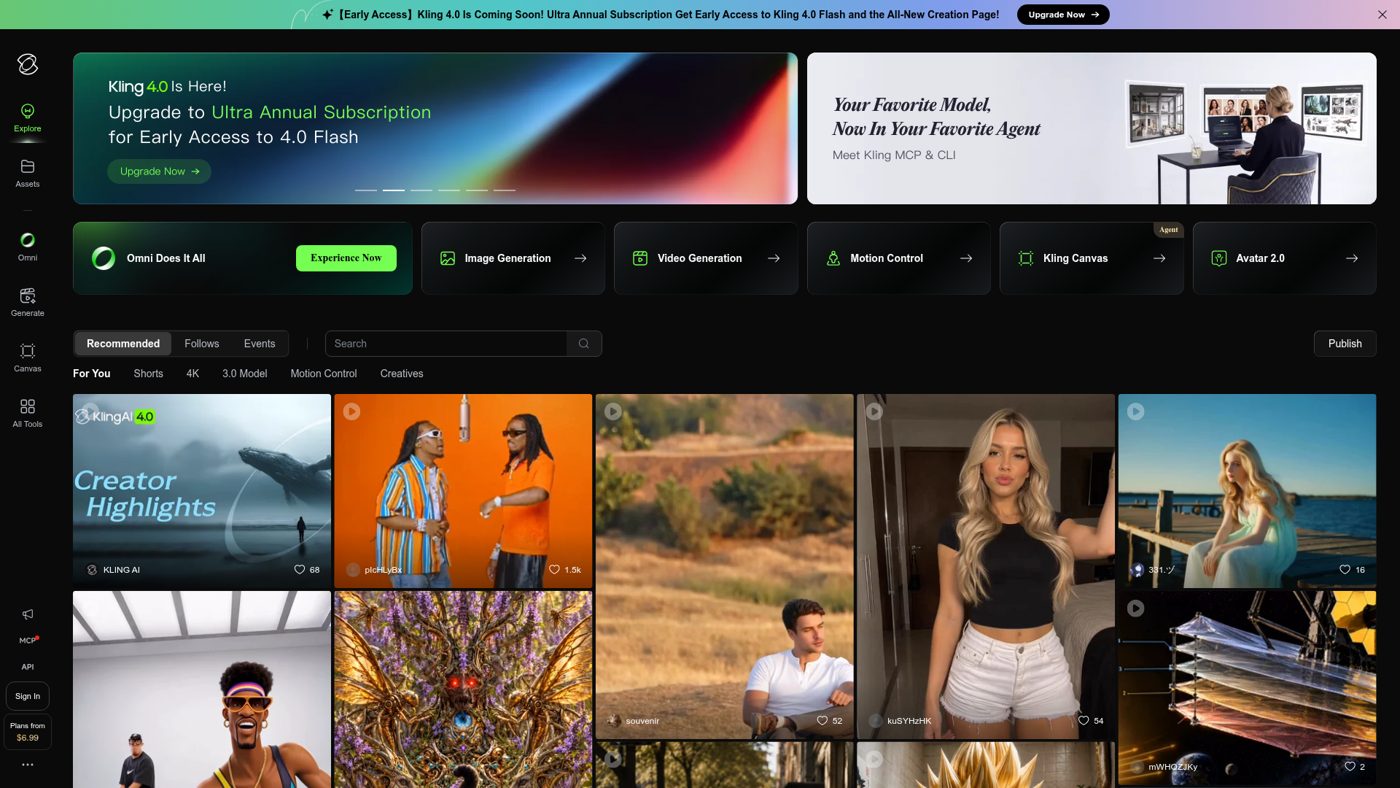
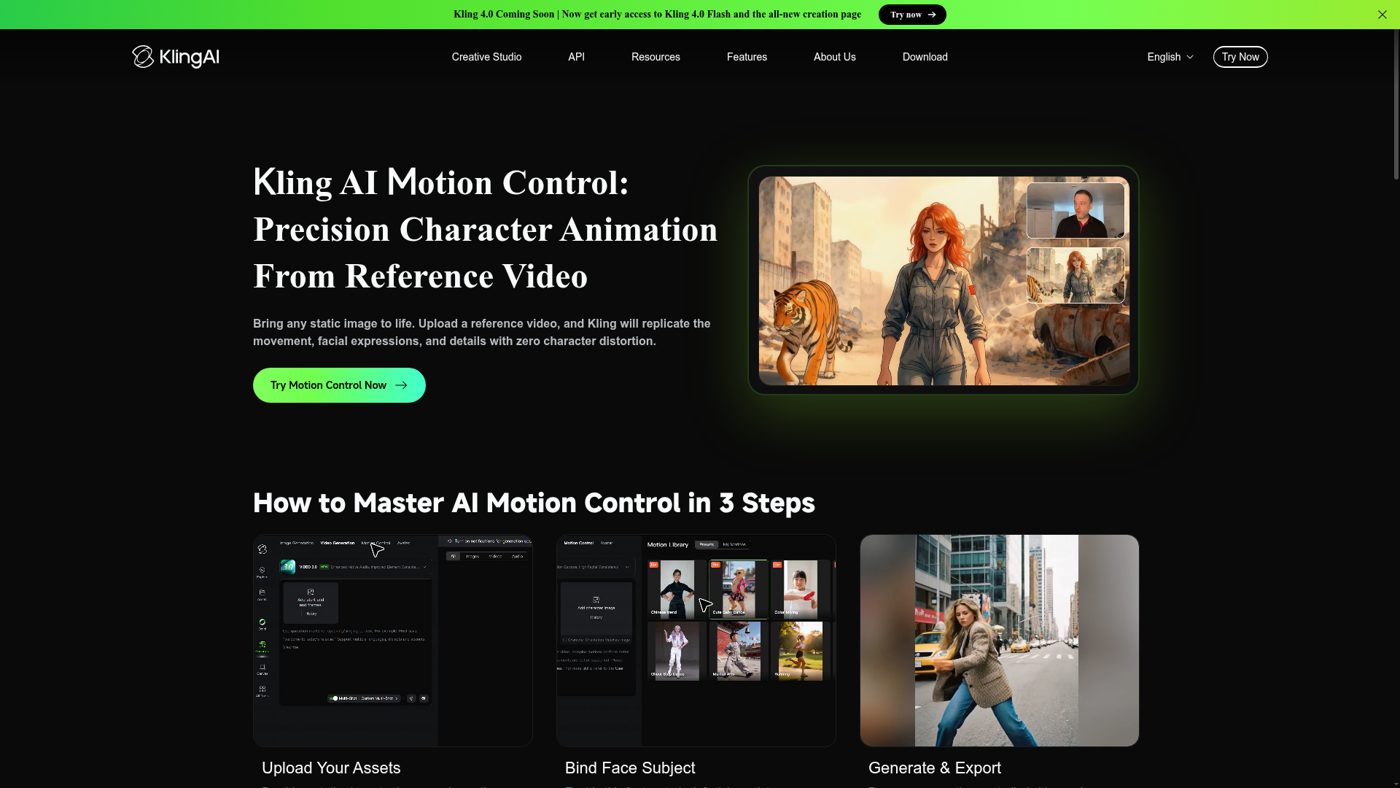
The main generation interface of this tool centers around a dual-tab workspace split between image-to-video and text-to-video capabilities. When you enter the creation studio, the leftmost sidebar houses your primary prompt input field where you describe the scene, lighting, and action. Success on this platform relies heavily on utilizing descriptive terminology that avoids abstract concepts in favor of physical, concrete actions.
Beneath the prompt input box sits the advanced control panel, where you manipulate aspects like aspect ratio, clip duration, and camera paths. This visual control panel features a customizable virtual joystick, allowing creators to dictate highly customizable camera paths. Adjusting these camera parameters is crucial because it instructs the engine to render coherent perspective shifts rather than chaotic morphing artifacts.
The generation workspace also displays a history timeline at the bottom of the screen, which lists your active render queue and past projects. Having this visual queue helps you track multiple generations simultaneously, which is necessary since high-resolution renders can take several minutes to compile. Monitoring this panel prevents you from accidentally clogging your rendering queue with duplicate jobs.
Managing Credit Consumption and Fast Rendering Tiers
Operating this platform requires a clear understanding of its internal economy, which relies entirely on a monthly or daily allotment of digital credits. Every action you perform, from upscaling an image to rendering a ten-second high-definition sequence, deducts a specific volume of credits from your balance. The rate of credit consumption increases significantly when you select advanced rendering engines or toggle high-frame-rate options.
Subscribing to a premium plan grants access to priority rendering queues, which can dramatically reduce the time you spend waiting for creations. While free users often face long delays during peak hours, paid tiers route your requests through high-speed server clusters. However, if you run out of your monthly allotment, your generation speed drops back to the standard, slower queue unless you purchase top-up packages.
It is important to realize that failed generations—such as clips with severe physical glitches or mangled anatomy—still consume your credits. Because generative video remains somewhat unpredictable, you must budget for a percentage of wasted renders when planning a project. If you are working on tight client deadlines, this unpredictability means you might burn through a monthly subscription balance much faster than anticipated.
Deciding Between Version 1.5 and Version 3.0 Turbo
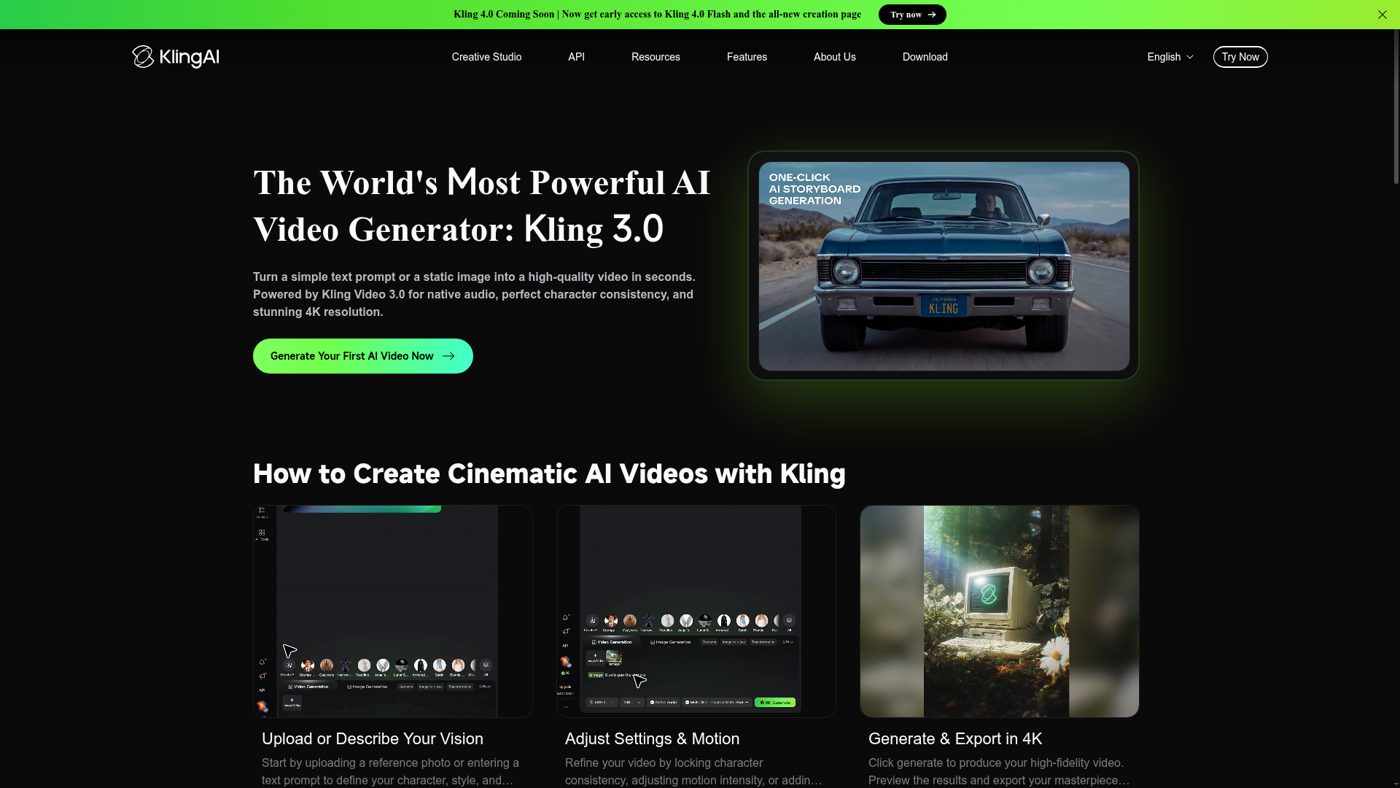
Choosing the right model version inside the drop-down menu is one of the most critical decisions you will make during the creation workflow. The legacy models prioritize basic rendering speed and work well for simple, stylized animations or quick conceptual drafts. The advanced versions, including the newest high-tier iterations, utilize a deeper transformer architecture designed to understand complex spatial physics and realistic lighting.
When you select the advanced models, you will notice a substantial improvement in how the engine handles human anatomy and object interactions. For example, if you prompt a character to pick up a coffee cup, the advanced system successfully maintains the integrity of the hand and cup throughout the motion. Older versions frequently suffer from frequent physical rendering errors, where the cup might melt into the character's hand during the middle of the frame.
The trade-off for this enhanced physical fidelity is a much higher rendering cost and increased wait times per second of video. Creators must weigh whether their specific project requires hyper-realistic simulation or if a simpler, faster output will suffice. If you are storyboarding a concept, the rapid, lower-tier options are usually the more efficient choice.
Understanding Corporate Data Policies and Beijing Hosting
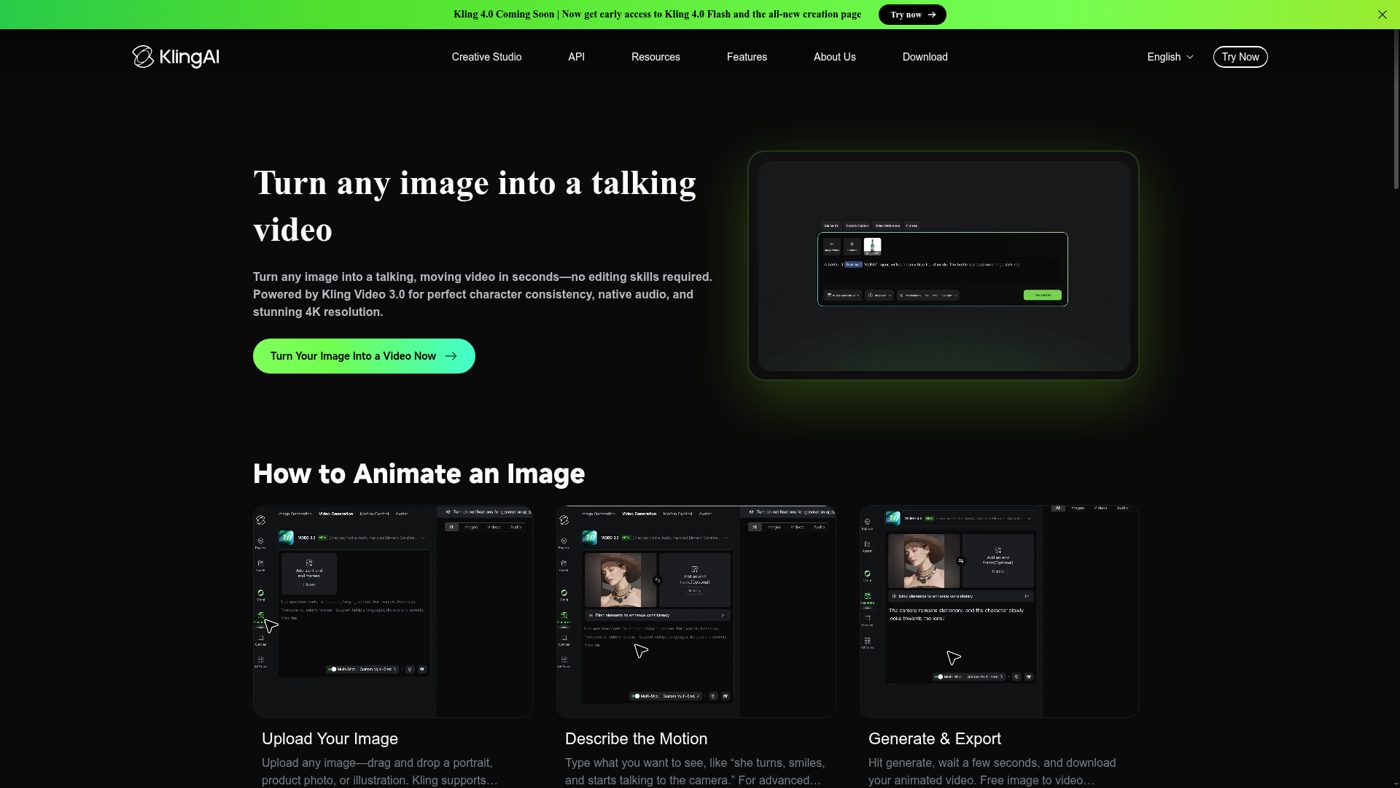
A critical factor that determines whether a paid plan is viable is your organization's stance on data residency and foreign corporate jurisdiction. This video platform is developed and maintained by Beijing-based Kuaishou, a major technology company based in Beijing, China. Consequently, all data uploaded to the service—including private brand assets, proprietary concept art, and user prompts—is processed under local regulatory frameworks.
For individual creators or independent filmmakers, these data arrangements may not present any practical obstacles. However, enterprise clients and corporate creative departments often have strict legal requirements regarding where their intellectual property is stored and processed. If your business operates under non-disclosure agreements that forbid uploading assets to servers outside your domestic region, using this platform might violate your compliance standards.
Before committing to a recurring billing cycle, check if your target workflow involves processing sensitive or proprietary imagery. If you plan to feed confidential product prototypes into the image-to-video engine, you may want to look toward Western-hosted alternatives instead. Understanding these governance boundaries before purchasing helps protect your company from potential legal complications down the road.
How to Determine If a Subscription Fits Your Creative Workflow
Selecting the correct path forward requires a structured analysis of your production goals, output volume, and budget flexibility. It is easy to get swept up in impressive community showcases, but your day-to-day workflow must justify the recurring cost. Follow this systematic decision framework to determine if upgraded access aligns with your creative needs.
- Identify your exact output requirements. Write down how many finished, high-definition video clips you need to produce on a weekly basis.
- Evaluate your current rendering delays. Determine if waiting in the free, standard queues is actively harming your production timelines or client delivery dates.
- Analyze your specific camera control needs. Decide if your project requires the precise motion brush and directional controls available exclusively to premium accounts.
- Compare local data regulations against your company policies. Verify if your corporate legal team permits uploading proprietary visual assets to servers managed by overseas entities.
- Run a trial using basic credits. Utilize a small batch of initial credits to test how well the model handles your specific style or characters before upgrading.
By walking through these structured considerations, you can avoid paying for a subscription that sits unused or fails to meet security guidelines. Making an analytical decision ensures you allocate your software budget to tools that directly improve your rendering efficiency and final output quality.
Comparing the Control Options of Kling and US Competitors
When evaluating whether to subscribe, you should compare this tool directly with prominent Western alternatives like Luma Dream Machine and Runway Gen-3. Each platform has developed unique strengths, and the right option for your studio depends on which aspects of the generation workflow you value most. Below is a comparative look at how these tools differ in practice.
- Camera Control: Kling offers a highly precise virtual camera joystick and a customizable motion brush, whereas competitors often rely entirely on text-based camera commands.
- Physical Realism: Western models often excel at high-speed action and complex physics simulations, while Kling's strength lies in cinematic, slow-paced human portraits and lighting consistency.
- Generation Speed: US-based services generally provide faster render times for domestic users due to localized server networks, while Beijing-hosted queues can experience latency during peak Asian business hours.
- Pricing Transparency: Subscription tiers vary widely, but Western tools tend to offer more predictable pricing structures without complex multi-tiered credit burn rates.
Ultimately, creators seeking granular control over scene composition and character positioning will find that the motion brush capabilities make this system incredibly compelling. However, if your projects require rapid, high-intensity physics simulations or strict compliance with Western data privacy standards, competitor platforms might serve your workflow more reliably. For a deeper look at individual feature comparisons, our detailed Kling AI Review (2026): Video, Images and Motion Control offers additional insights and creators must evaluate motion consistency before selecting an engine.
Frequently asked

As an Amazon Associate I earn from qualifying purchases. This does not affect the price you pay. Affiliate disclosure