Is Synthesia Free? What the Free Plan Includes
Synthesia has a free plan for trying its AI video editor. Here is what it includes, which restrictions matter, and when a paid plan may be necessary.
Some links are affiliate links: we may earn a commission if you sign up or buy through them, at no extra cost to you.
On this page8 sections
- 1The short answer
- 2Is Synthesia Free, and What Does the Free Plan Include?
- 3How the Free AI Video Editor Works
- 4Avatars, Voices and Languages on the Free Plan
- 5Creating Scenes and Generating a Free Video
- 6Free Plan Limits: Usage, Features and Downloads
- 7Is the Synthesia Free Plan Enough for Your Project?
- 8Frequently asked
The short answer
- Synthesia provides a permanent free plan that does not require any credit card details to sign up.
- Free accounts can access the full editing interface, stock avatars, and a large voice library.
- Strict limits on video sharing, watermarks, and generation credits mean you must upgrade for commercial use.
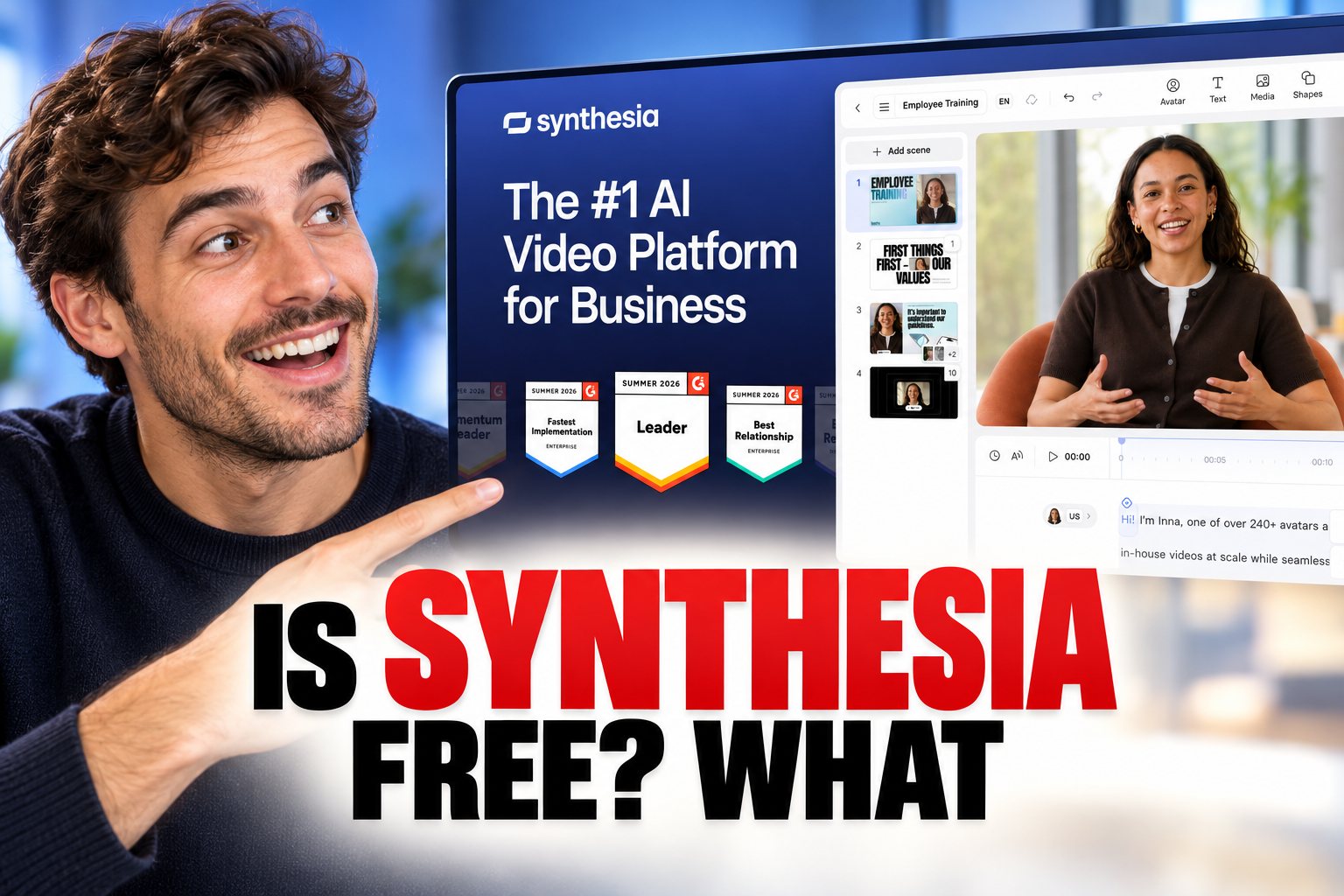
Yes, Synthesia is free to try through its Free plan, and Synthesia says no credit card is required. The plan includes limited monthly video creation, AI avatars and voices, but its usage allowance and feature access are restricted compared with paid plans.
The free version is most useful for exploring the browser-based editor, testing text-to-video creation and assessing how an avatar delivers your script. It is less suitable for frequent production or teams that need paid features, larger allowances and broader collaboration options.
Plan details can change, so check Synthesia’s pricing page before relying on a particular allowance or feature. This guide focuses on what the Synthesia Free plan is for, what you can create and which limits to examine before upgrading.
The quick version
- Select a starting template or a
- Add a short script to the
- Choose an available virtual presenter
- Select a voice and preview the
- Generate the video to inspect the
Is Synthesia Free, and What Does the Free Plan Include?
Synthesia offers a Free plan intended to let new users create a limited amount of AI video without entering payment details. According to Synthesia’s pricing page, free users can work with a selection of AI avatars, voices and languages inside the same browser-based creation workflow used by its paid plans. The precise allowance and included catalogue can change, so the official pricing table is the appropriate place to confirm current limits.
The important distinction is that free does not mean unrestricted. The plan places limits on video creation and does not include every avatar, collaboration tool or brand feature available elsewhere. It is therefore useful for a short demonstration, a proof of concept or an initial comparison with other AI video generators. For a wider account of the platform and its tiers, see our Synthesia pricing and Free plan review.
How the Free AI Video Editor Works
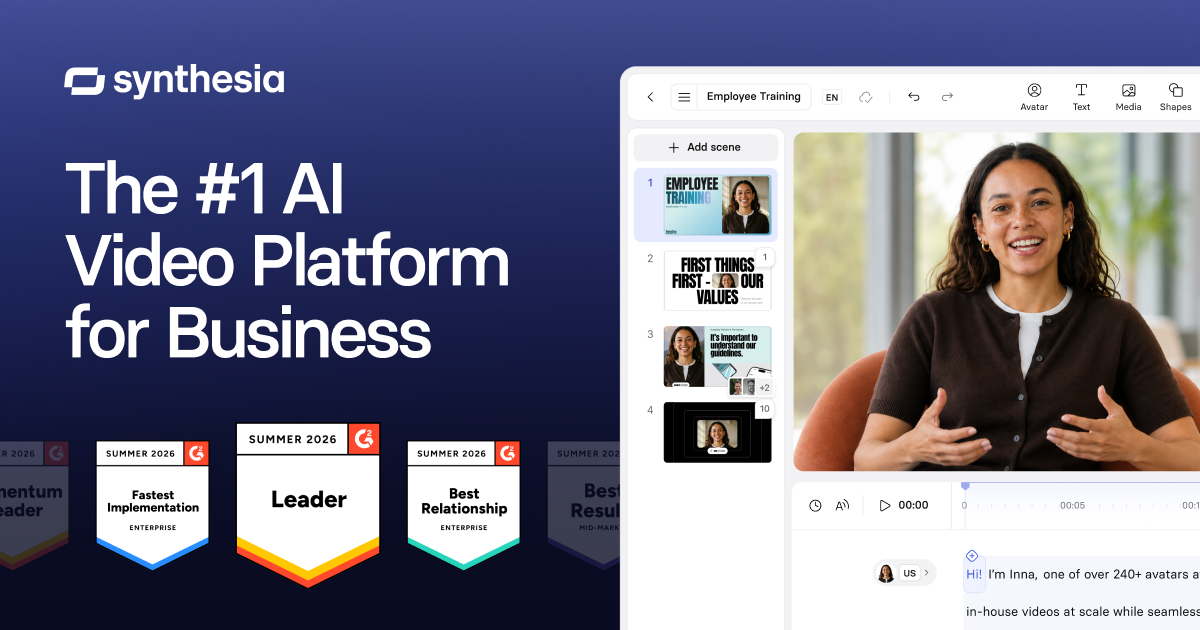
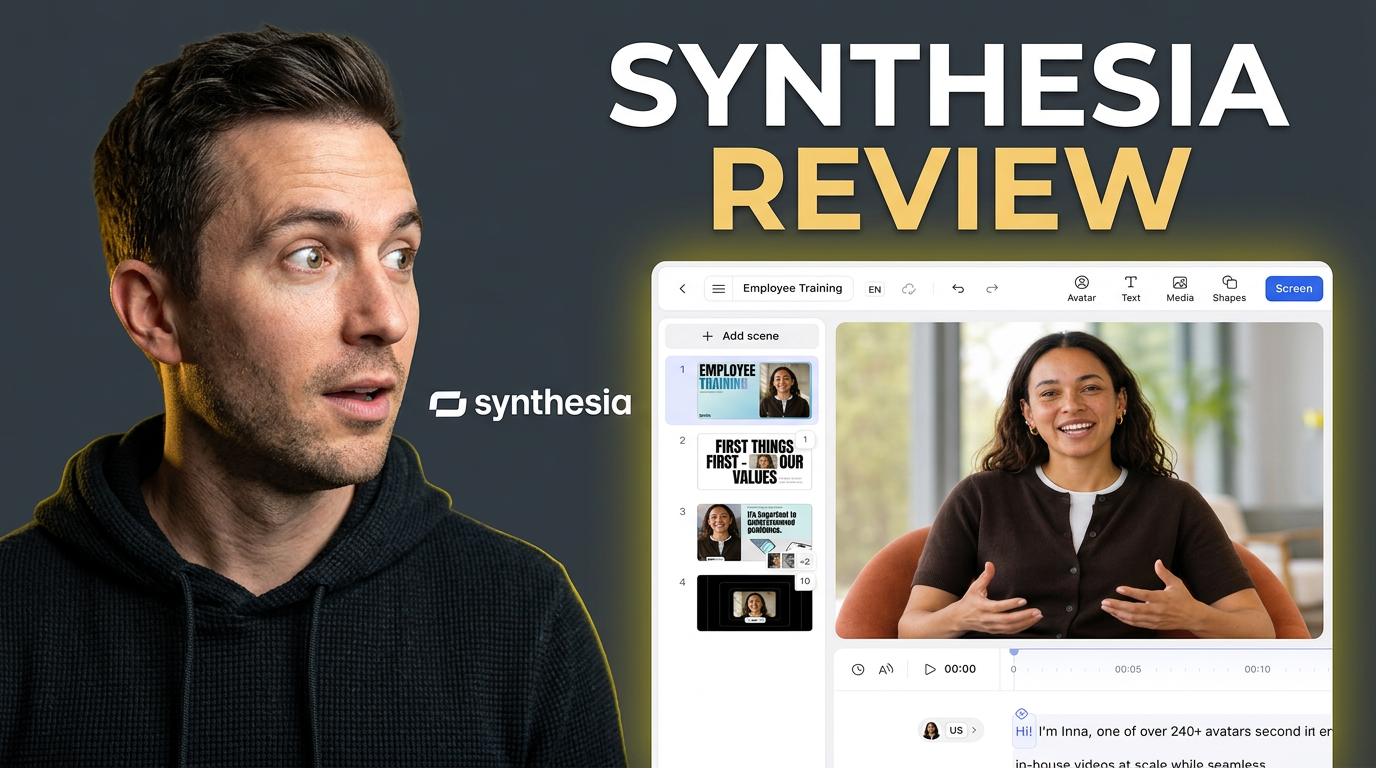
When you first log in to the free tier, the platform drops you directly into its browser-based video creation studio. Unlike many traditional video editors that require heavy local installations, this tool runs entirely in the cloud. You are greeted by a clean dashboard featuring a list of template options, a sidebar for asset management, and the primary canvas where your virtual presenter stands.
The system uses generative AI to turn a written script into an avatar-led video. You can click through menus, modify scene layouts and paste scripts into the voiceover editor. This gives you a practical way to assess the workflow before deciding whether its constraints fit your project.
However, it is vital to recognize that the free account is primarily an evaluation route rather than an unrestricted production plan. Some controls and assets are reserved for paid tiers, while usage limits restrict how much video you can create within the plan period.
Avatars, Voices and Languages on the Free Plan
Within the editing canvas, the avatar panel lets you choose from the stock presenters included with your account. Availability depends on the plan, so free users should not assume that every avatar shown in Synthesia’s wider catalogue is included. The editor may offer different framing and layout choices, allowing a presenter to appear alongside text, images or other scene elements.
The text-to-speech system converts your written script into spoken dialogue. Synthesia says its platform supports multiple voices and languages, while the exact selection available to a Free account should be confirmed in the editor or current pricing table. Previewing several voices is worthwhile because delivery, pacing and pronunciation can vary by language and speaker.
Some advanced identity and branding features are associated with paid plans. If personal avatars, custom voices or a specific language workflow are essential, compare those requirements with the current plan matrix rather than assuming they are part of the Free plan.
Creating Scenes and Generating a Free Video
Building a complete presentation requires organizing your content into sequential scenes, much like slides in a traditional presentation deck. The timeline lets you add, duplicate or reorder scenes. In each scene, you can position an avatar and combine the presenter with text and visual assets supported by your plan.
A practical first project can follow five steps:
- Select a starting template or a blank layout.
- Add a short script to the scene’s script field.
- Choose an available virtual presenter.
- Select a voice and preview the pronunciation.
- Generate the video to inspect the speech, timing and visual composition.
The final combination of voice, avatar motion and scene elements is produced during video rendering. Because Free plan usage is limited, keep the first script concise and check it for errors before generating. Correcting names, dates and pronunciations in advance helps avoid spending part of the allowance on an avoidable revision.
Free Plan Limits: Usage, Features and Downloads
The Free plan’s central constraint is its limited video allowance. Synthesia presents this as a recurring plan rather than unrestricted creation, and the current pricing page should be checked for the allowance attached to a Free account. Once that allocation is used, further generation may require waiting for renewal or moving to another plan, depending on the current terms.
Feature access is another boundary. Paid plans provide broader production and collaboration capabilities, while the Free plan is designed around basic creation. Check the plan comparison carefully if you require downloadable files, removal of Synthesia branding, custom brand assets, team workspaces, advanced avatars or higher usage. These details can change and should not be inferred from older third-party summaries.
The free option remains useful if your goal is to assess avatar delivery, script handling and scene assembly. If your decision depends on export formats or commercial workflows, our full Synthesia Review 2026 provides a broader comparison of the Free plan and paid tiers.
Is the Synthesia Free Plan Enough for Your Project?
The answer depends on the amount of video you need and which features are essential. The Free plan can be enough for an individual creating a brief sample, testing an avatar-led presentation or showing colleagues how the workflow operates. It also provides a way to assess whether the editor suits your script-writing and scene-building process without supplying payment details.
A paid plan may be more appropriate if you need regular video production, a larger generation allowance, additional avatars, brand controls or team features. Make a requirements list before comparing tiers: expected video volume, necessary languages, preferred presenters, export needs, branding and the number of collaborators. This avoids choosing a plan based only on headline allowances.
For a closer look at who the platform suits and how its plans differ, read our Synthesia Review 2026: pricing, Free plan and intended users. The official pricing page remains the final reference for the features attached to each plan.
Frequently asked
As an Amazon Associate I earn from qualifying purchases. This does not affect the price you pay. Affiliate disclosure