Can You Use Kling AI for Commercial Work? Licenses Explained
Understand the licensing terms of Kling AI for client projects and commercial videos, including subscription differences and watermark rules.
Some links are affiliate links: we may earn a commission if you sign up or buy through them, at no extra cost to you.
On this page8 sections
The short answer
- Paid subscriptions are mandatory to clear Kling AI videos for any commercial or client-facing projects.
- Free tier clips contain visual watermarks and are restricted solely to personal or non-commercial environments.
- Content policies still restrict copyright characters, public figures, and trademarked designs on all tiers.
Yes, you can use Kling AI for commercial work, but only if you use a paid subscription plan. Free accounts retain visual watermarks and are restricted strictly to personal or educational projects.
To legally use generated videos in monetized YouTube channels, client campaigns, or commercial marketing, you must upgrade your workspace. Transitioning to a paid membership updates your legal rights and provides cleaner, high-definition outputs.
Navigating these terms is crucial to avoid copyright issues or platform account suspensions. Below is a detailed look at how the different subscription options, developer settings, and policy rules impact your business production workflow.
The quick version
- Log into your premium account
- Select the high-definition model version
- Configure the output settings
- Input your descriptive text prompt
- Initiate the generation process
Subscription Tiers and Commercial Permissions
Kling AI separates its licensing rights based on your subscription tier. If you generate assets on a free account, those clips are restricted to non-commercial, personal, or educational use. Upgrading to a paid level is the only way to obtain the legal rights to use these videos in business environments.
The paid plans remove the visual brand watermark that sits in the corner of free exports. Standard and Pro tiers grant full commercial licensing rights for most professional use cases. This makes the video ready for clean editing and final production. Additionally, the premium tiers provide higher resolution exports up to 4K on certain models, which is crucial for professional workflows.
Paid subscribers receive a monthly allotment of rendering credits that reset or roll over depending on the plan type. These credits are spent each time you generate a video or expand an existing clip. Knowing how many credits you need per project helps you choose the correct subscription tier without overspending.
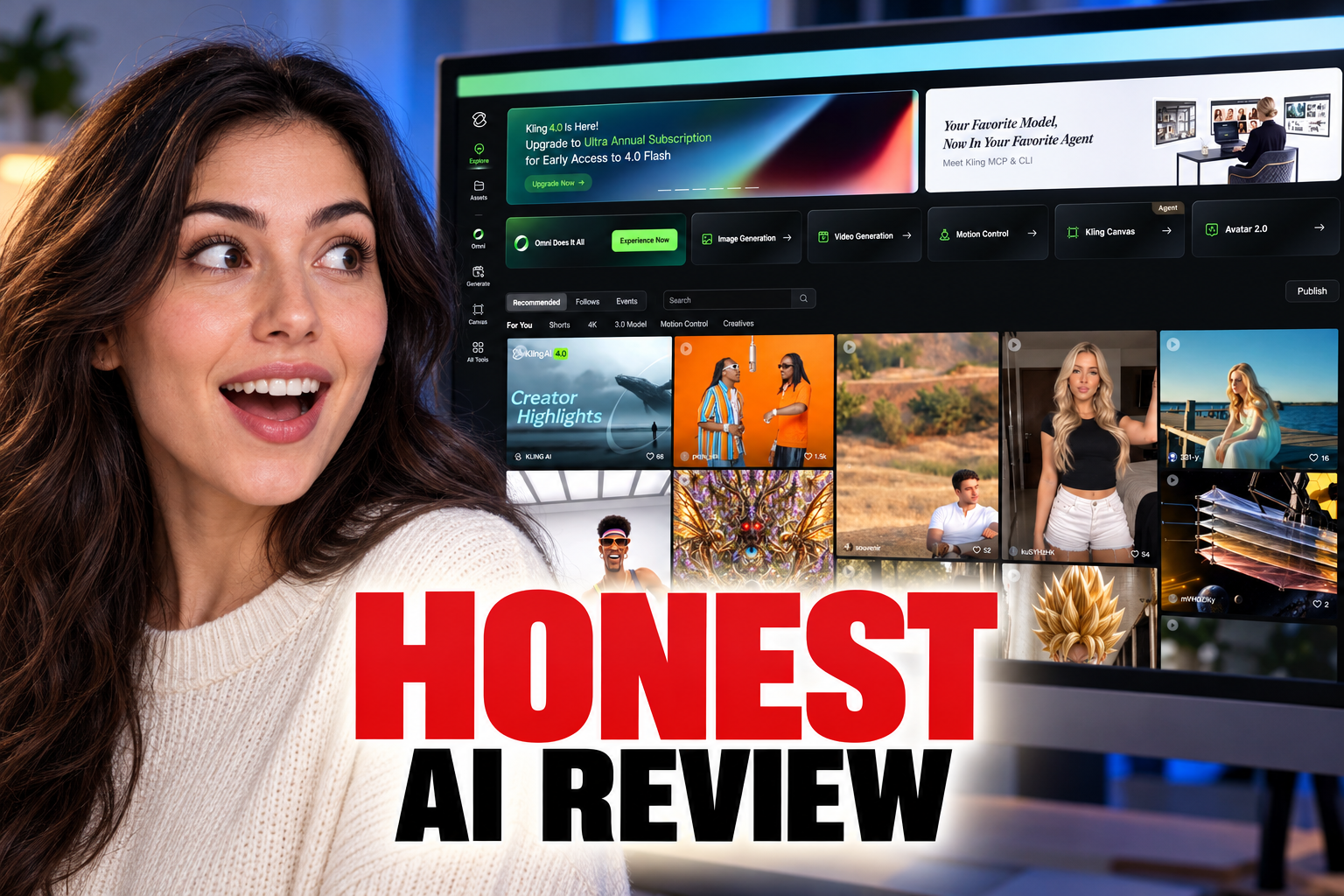
To understand how these subscription tiers impact your overall video generation speed and creative control, check out our Kling AI Review (2026): Video, Images and Motion Control. Managing your subscription is simple through the billing section of your user dashboard, which details your current licensing status.
The Free Plan vs Paid Memberships
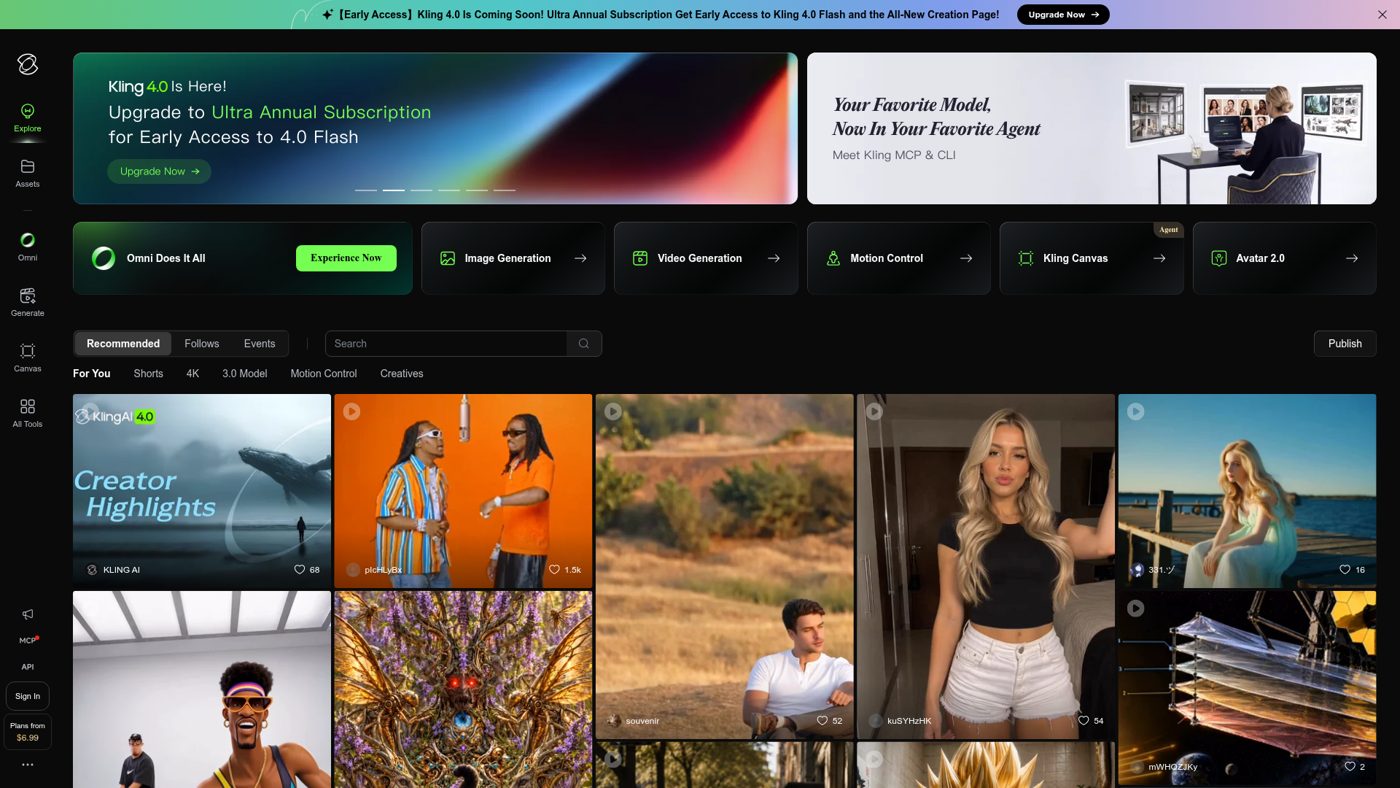
The free tier is designed primarily for testing and experimentation. While it offers daily credits to let you explore different prompt settings, the outputs are restricted in duration and resolution. More importantly, free tier assets cannot be used for any profit-generating purpose, including monetized YouTube videos or client work.
If you use the free version to create promotional materials, you risk copyright and platform terms violations. These terms are enforced by the parent company, and they reserve the right to take action against unauthorized commercial usage. Moving to a paid plan immediately updates your licensing terms for new generations.
Paid memberships also provide advanced generation controls. For example, paid tiers allow you to use longer generation times, adjust seed parameters for consistency, and output high-definition sequences without branding. This provides a more professional environment for creating client-facing assets.
For a deeper dive into how the generation dashboard functions and how to adjust camera movements, read our Kling AI Review (2026): Video, Images and Motion Control before upgrading. The transition from a trial workspace to a commercial-grade editor represents a significant leap in creative control and legal peace of mind.
How to Generate Commercial Ready Video
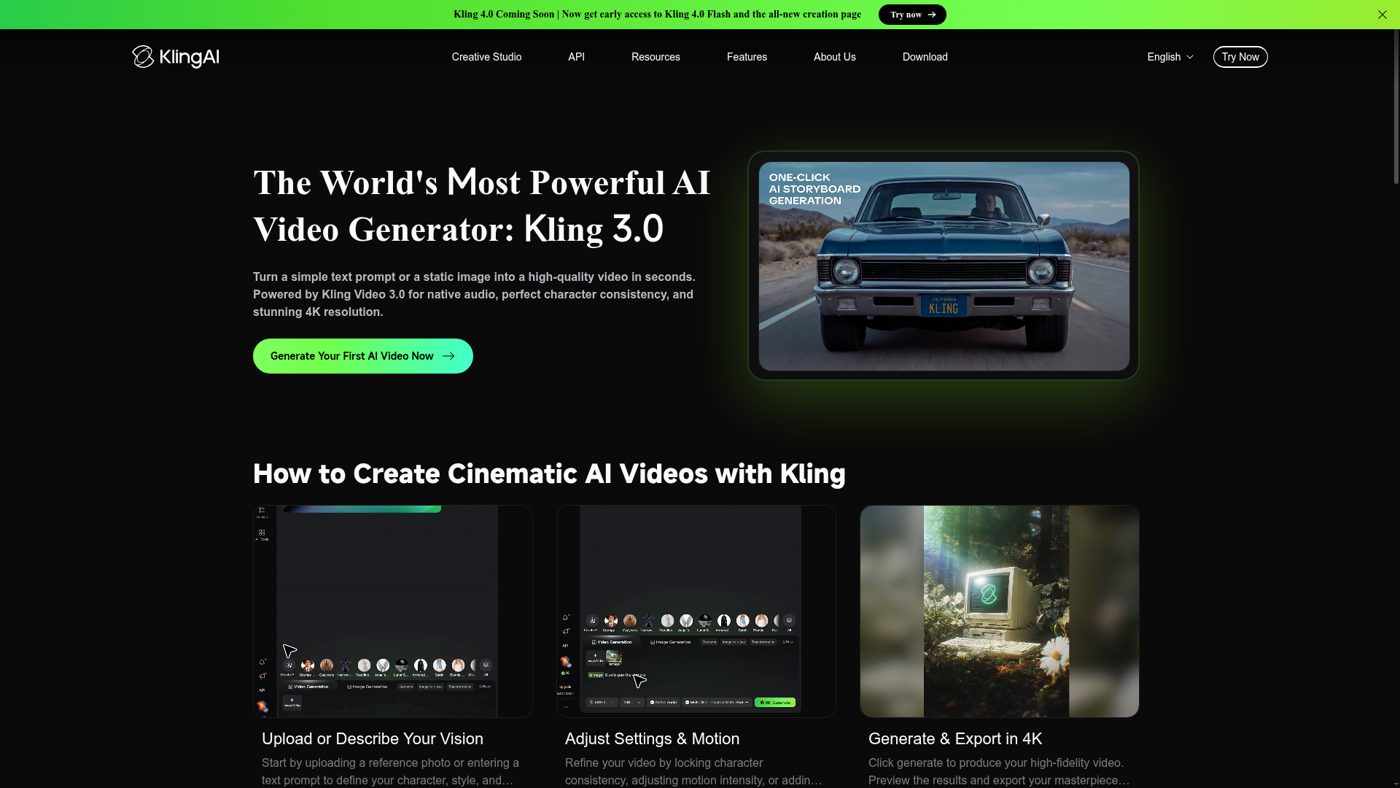
Generating high-quality, commercial-ready video files requires navigating the creation interface carefully. To avoid unexpected interruptions, always verify that your account has active rendering credits and that your output parameters are configured to produce unbranded, high-resolution footage.
- Log into your premium account. Make sure your active subscription status is displayed correctly in your user profile to ensure your licensing is current.
- Select the high-definition model version. Choose the latest model iteration from the model dropdown menu to access superior resolution options and advanced prompt adherence.
- Configure the output settings. Turn off any watermark options in the export settings panel and choose your desired aspect ratio for your target platform.
- Input your descriptive text prompt. Write a detailed description of the scene, camera movement, and lighting style to guide the generation engine accurately.
- Initiate the generation process. Click the generate button to spend the required credits and render your high-definition, unbranded video asset.
Once the rendering completes, you can download the video directly to your storage drive. Because you are using a paid account, this file is fully cleared for commercial distribution across websites, streaming platforms, or social media networks.
Keep in mind that older runs completed while you were on a free account do not automatically become commercial-ready. Only assets generated while you hold an active paid subscription are legally covered under the commercial licensing rights agreement.
Commercial Workflows via API Integration
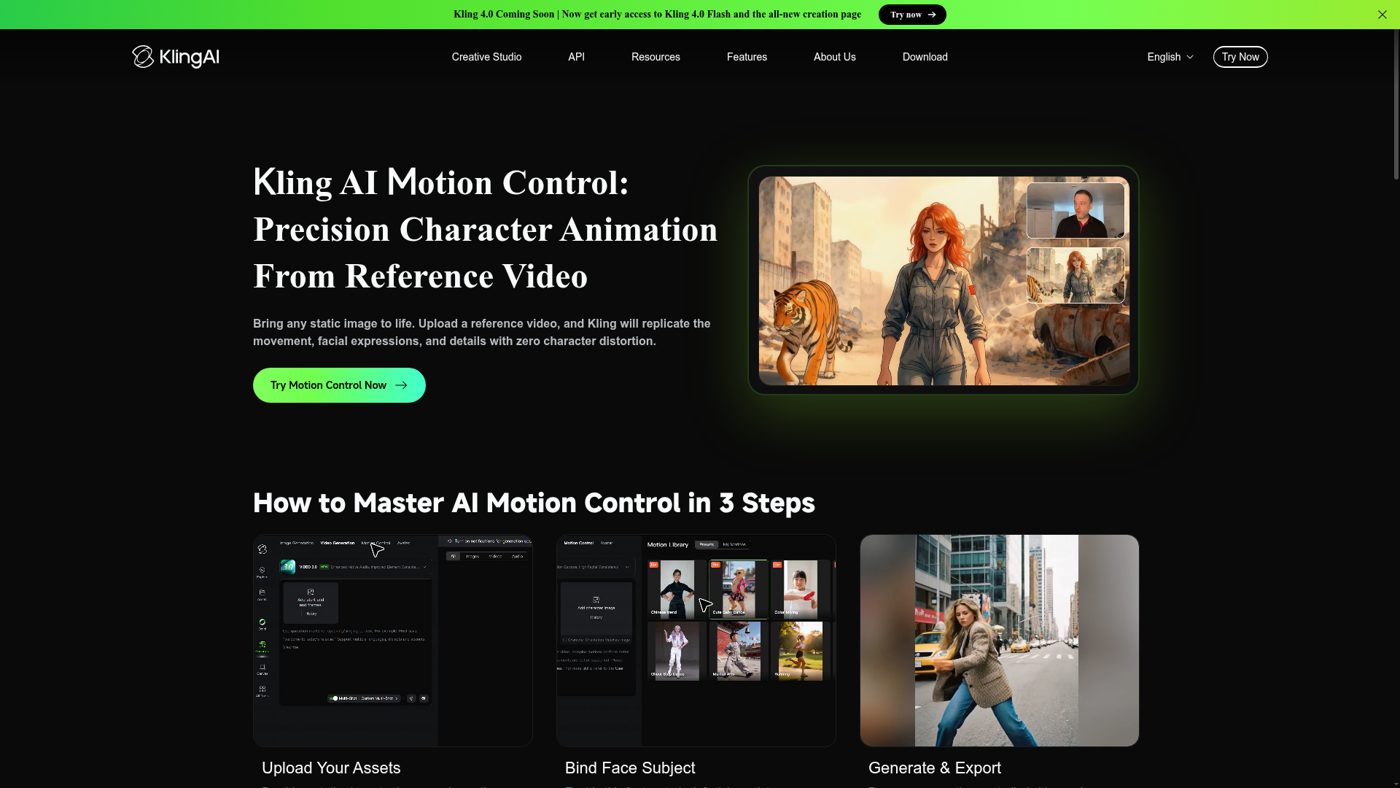
For businesses that want to build custom video generation tools or automate their content pipelines, Kling AI offers programmatic access. This allows developers to integrate the video engine directly into third-party software applications, marketing suites, or automated social media posting tools.
Using the developer API has separate pricing structures and usage agreements. You cannot simply apply a standard consumer subscription to an external application that serves hundreds of active users. Developers must register for specific API keys and purchase credits tailored to server-level generation.
When utilizing API endpoints, you must ensure that your applications handle user data and generated assets in compliance with Kling's security rules. The outputs generated through these developer tools carry commercial rights, provided your API account maintains a positive credit balance and follows the enterprise terms of service.
If you are comparing this platform's video quality against other market leaders, our comprehensive Kling AI Review (2026): Video, Images and Motion Control offers side-by-side output comparisons. Knowing how the platform performs under heavy creative demands can help you decide if integrating the API is worth the engineering resources.
Policy Rules and Intellectual Property Limits
Having a paid subscription does not give you unlimited freedom to generate any type of content. Kling AI enforces strict policy rules regarding safety, intellectual property, and prohibited categories. Generations containing copyrighted characters, public figures, or offensive material will be blocked by automated filters.
If you attempt to bypass these safety filters repeatedly, the platform may terminate your subscription without refunding your remaining credits. Additionally, you cannot claim trademark rights over the generated video outputs. Because the AI model is trained on public datasets, your unique creations may share visual similarities with other users' outputs.
It is also important to ensure your target use case does not conflict with local copyright laws, especially concerning digital likenesses and voice cloning. While the tool provides the technical license to sell or use your generated videos, it cannot protect you from third-party IP claims if your prompt copies a protected design.
To protect your business from legal disputes, always combine AI-generated clips with original brand assets, voiceovers, and custom music. Treating the platform as a source of raw B-roll footage rather than a complete video creator is the safest way to maintain high production and legal standards.
Which Subscription Level Should You Pick?
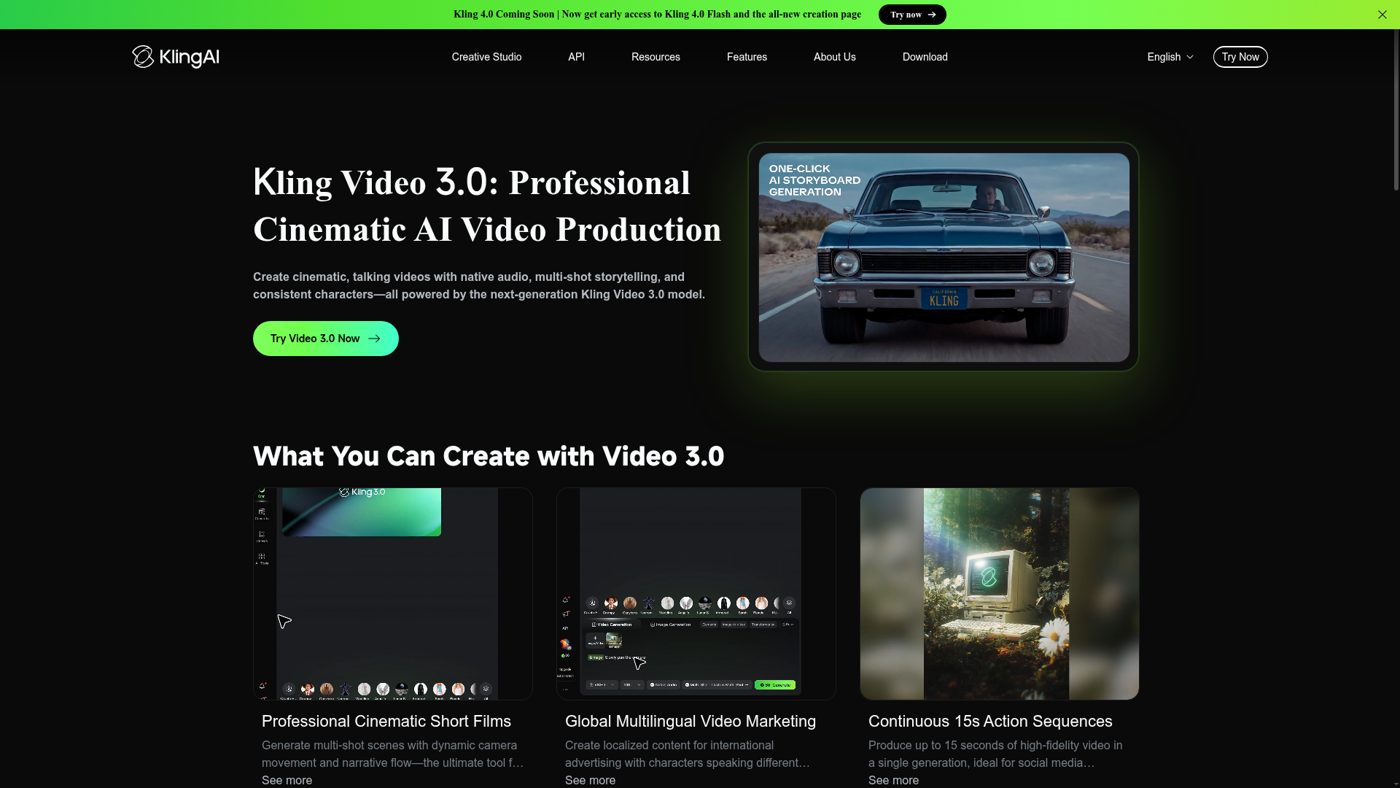
Choosing between the different paid subscriptions depends entirely on your production volume and budget. If you only need occasional video assets for social media or simple product showcases, a basic paid plan is sufficient to obtain the necessary commercial rights and remove watermarks. This budget-friendly tier provides enough monthly credits to cover casual creation.
For creative agencies, independent filmmakers, or marketing teams with daily production deadlines, a higher paid tier like the Pro plan is more practical. The higher plans grant faster rendering priority, larger monthly credit balances, and access to the highest available resolutions. This ensures you do not run out of credits in the middle of a critical campaign.
Enterprise customers or software platforms requiring deep software integration should contact the sales team for custom API and Premier licensing agreements. These high-volume plans offer dedicated server resources, tailored usage policies, and specialized support to keep larger workflows running smoothly. Match your subscription selection to your monthly video output requirements.
Frequently asked
As an Amazon Associate I earn from qualifying purchases. This does not affect the price you pay. Affiliate disclosure