Who Should Use Submagic, and Who Should Skip It?
Find out if Submagic fits your video editing workflow or if you should skip it for a more robust professional desktop editing suite.
Some links are affiliate links: we may earn a commission if you sign up or buy through them, at no extra cost to you.
On this page7 sections
The short answer
- Submagic is perfect for solo creators prioritizing rapid publishing on TikTok, Instagram, and YouTube Shorts.
- Professional editors should skip it due to rigid timeline structures and limited manual sound design controls.
- The tool excels at kinetic captions and AI B-roll but lacks advanced multi-track video mixing capabilities.
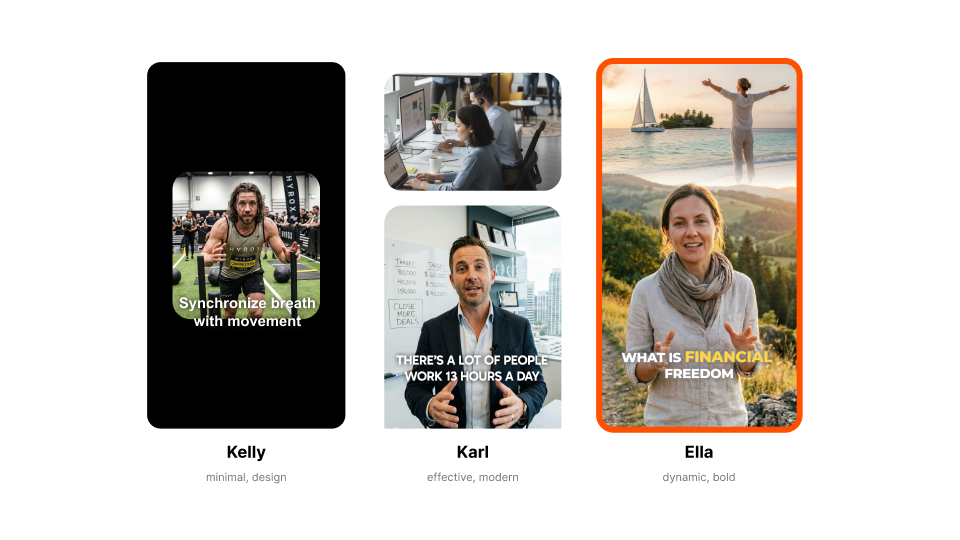
Submagic is ideal for short-form content creators who need rapid, automated captions, emojis, and B-roll for TikToks or Reels. You should skip it if you are a professional editor requiring manual timeline control, precise audio mixing, or custom vector animations.
If you are producing vertical videos, editing speed is often the most important factor in keeping up with daily algorithm demands. Finding a tool that automates the tedious parts of the process can save hours every single day, but only if the automated output aligns with your creative standards. If you want a complete breakdown of its features, you can explore our Submagic Review 2026: Pricing, Captions and Who It's For to see how it fits into your budget.
Deciding whether to integrate this specialized utility into your daily video workflow depends on your specific editing style. Some find the instant text animations indispensable, while others feel restricted by the automated templates. Understanding where these boundaries lie will help you avoid spending money on a subscription that might not fit your actual creative production pipeline.
The quick version
- Upload your video file
- Choose a caption style
- Review the generated transcript
- Auto-generate visual elements
- Export and download
Identifying the Ideal Short-Form Creator
Solo content creators, social media managers, and small business owners who publish daily vertical videos stand to benefit most from this automated platform. When your primary distribution channels are platforms like YouTube Shorts, TikTok, and Instagram Reels, production speed is paramount. Spending hours manually transcribing words, syncing keyframes, and matching animated assets can quickly drain your energy.
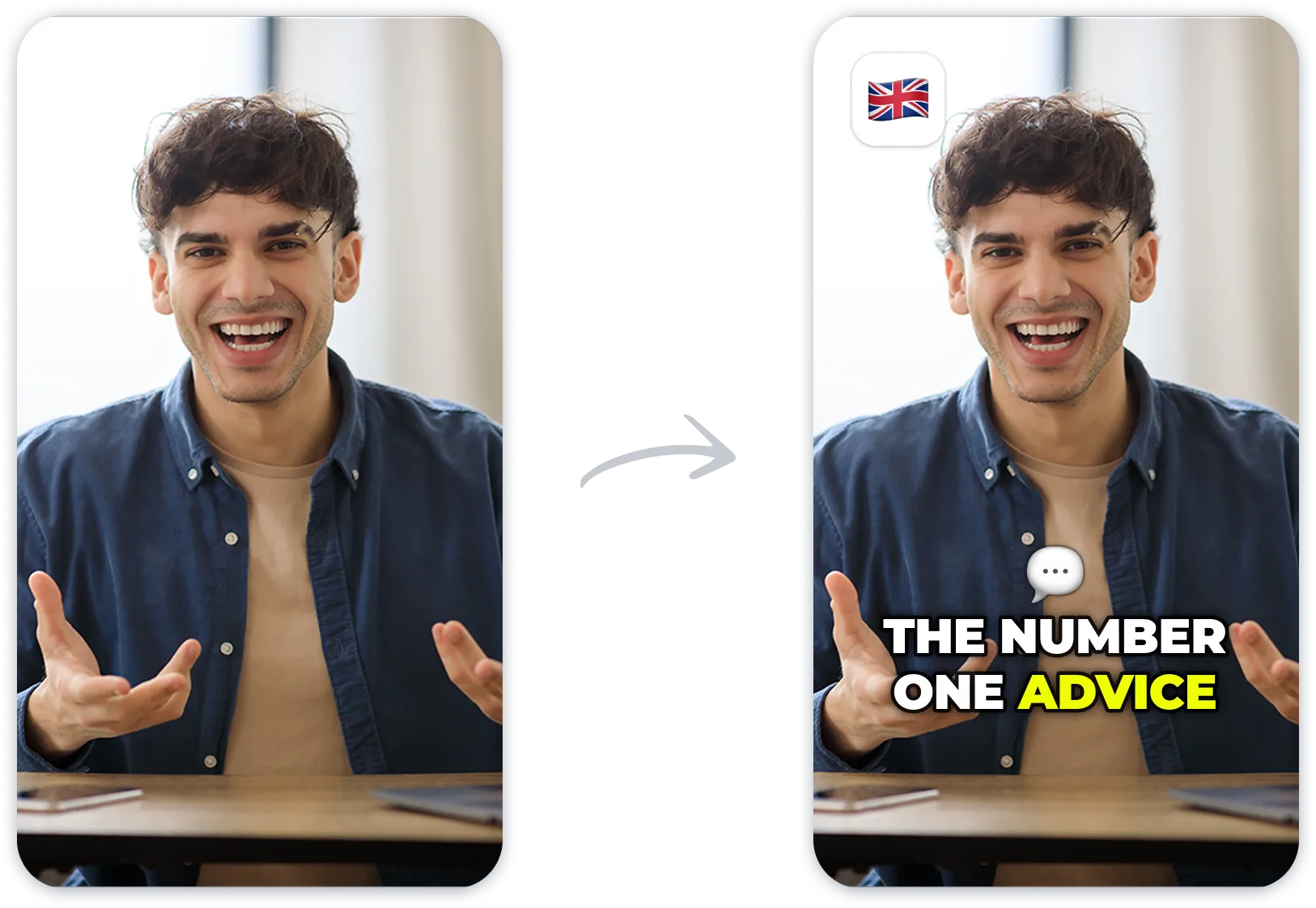
This software solves the bottleneck of text transcription by using an advanced speech-to-text algorithm to generate highly accurate kinetic captions in seconds. Instead of placing individual text layers on a timeline, users upload a raw video file and immediately receive styled, animated text that syncs with their spoken words. This is particularly helpful for those who lack formal video editing training.
Additionally, marketing agencies handling dozens of client accounts can scale their operations using these automated features. Assigning a junior editor to manually style text for thirty videos a week is inefficient when a tool can handle the bulk of the transcription instantly. By shifting the workload to an automated interface, team members can focus on scripting and high-level strategy.
If you find yourself spending more time editing captions than filming, shifting to an automated assistant is a logical step. The platform removes the friction of technical production so you can focus on writing compelling hooks and improving your on-camera delivery. For these fast-moving workflows, automation is not just convenient—it is essential for growth.
Why Professional Editors Should Skip the Platform
Professional video editors and filmmakers working on complex commercial projects, documentaries, or long-form narrative content will find the platform highly restrictive. These creators typically work with nonlinear editors (NLEs) like Premiere Pro or DaVinci Resolve, where they have absolute control over every frame, layer, and transition. The simplified, browser-based interface of this automated tool does not provide that level of granular customizability.
If your project requires sophisticated color grading, multi-camera syncing, or advanced visual effects, you should bypass automated captioning web tools entirely. The engine is built around templates, which means you cannot customize the precise easing curves of an animation or build complex 3D text tracking. For specialized workflows, importing pre-rendered templates into professional software is much more practical.
Furthermore, long-form videos exceeding a few minutes are not the primary focus here. While you can upload longer clips, the interface is optimized for rapid-fire, vertical cuts. Editors who need to manage deep multi-track audio mixes, detailed sound effects libraries, and precise master tracks will quickly hit a wall, making traditional desktop software the superior choice for high-production projects.
Visual uniqueness is another area where professionals will feel limited. Because many creators use the same popular templates, your finished video might look identical to hundreds of other clips on social feeds. If your brand relies on a completely bespoke design system, relying on pre-packaged template files will dilute your visual identity.
The Step-by-Step Submagic Captioning Workflow
To understand if this tool fits your routine, it helps to see how the software structures its editing environment. The entire process is designed to move your video from raw footage to a finished product in a highly structured sequence. Unlike traditional software where you start with a blank canvas, this platform guides you through specific automated phases.
- Upload your video file. Select your main language and let the transcription engine analyze your spoken words.
- Choose a caption style. Pick from several animated templates that automatically match the pacing of your voice.
- Review the generated transcript. Correct any minor spelling errors or brand names that the automated system missed.
- Auto-generate visual elements. Choose to insert AI-driven B-roll clips, relevant emojis, and sound effects instantly.
- Export and download. Save your finalized vertical video in high definition, ready for direct social media publishing.
Following this linear pipeline means you spend less time jumping back and forth between different specialized tools. While this rigid progression keeps your workflow incredibly organized, it does mean you cannot easily break away from the preset steps. If you prefer to edit audio first and add text at the very end of a manual process, this structured system might feel too linear.
The interface is browser-based, meaning you do not need a powerful graphics card to render the animations. This cloud-based approach allows you to work from basic laptops or mobile devices without experiencing system lag. However, it also means you are entirely dependent on a stable internet connection to upload raw assets and process outputs.
Automated Emojis B-Roll and Sound Design
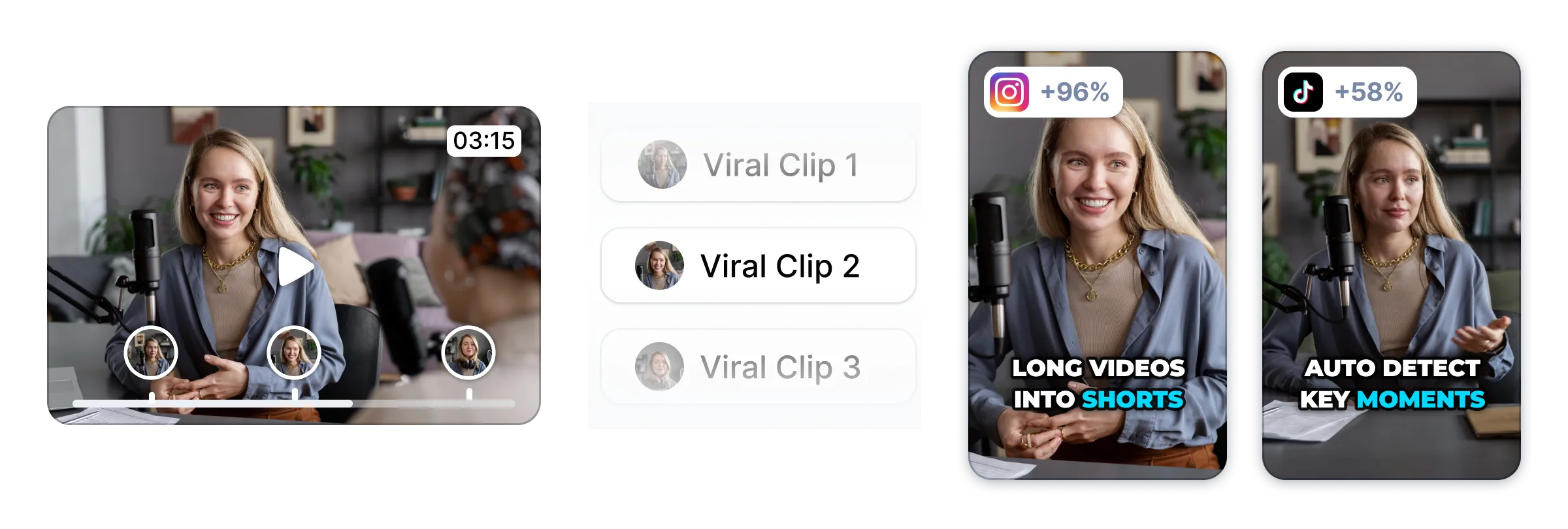
Beyond basic subtitle generation, the platform stands out for its ability to automate the visual decoration of your clips. The algorithm scans your spoken words and automatically places matching emojis and sound design elements at the exact moment they are mentioned. This type of editing usually requires searching through asset libraries, but here it happens in one click.
For creators who do not want to appear on camera for the entirety of their video, the automated B-roll feature generates relevant stock footage to cover cuts. The artificial intelligence attempts to understand the context of your speech and overlays cinematic clips to keep the viewer engaged. If you dislike a generated clip, you can manually search the integrated library to swap it out.
However, this automation can occasionally result in generic visual choices if the context of your script is highly specialized. An editor who wants unique, hand-crafted animations will likely find the automated selection repetitive over multiple videos. If your brand identity depends on highly specific aesthetic choices, manual curation of your asset library remains essential.
There is also the question of pacing and style control over your auditory elements. The system automatically places subtle sound elements beneath key transitions and emojis, but you cannot easily edit their individual decibel levels or apply custom audio filters. If your soundscape requires precise adjustments to avoid overwhelming your voice, manual mixing tools are necessary.
Which One Should You Pick?
Your choice between adopting this software or sticking to traditional editing methods comes down to your production volume versus your need for artistic control. If your priority is to publish content consistently without burning out, Submagic offers the fastest path from raw footage to a fully styled video. The automation is designed to handle the repetitive tasks that solo creators often dread.
On the other hand, if you want your videos to look completely unique with custom-designed visual assets, hand-crafted typography, and bespoke soundscapes, you should skip it. Traditional desktop suites, combined with detailed reviews like our Submagic Review 2026: Pricing, Captions and Who It's For, can guide you on where to invest your editing budget for professional-grade results.
For most modern social media publishers, a hybrid approach often works best. You can use automated tools for rapid-turnaround topical clips, while saving your manual editing software for signature long-form pieces. Weighing these two editing philosophies will ensure your production tools match your creative output goals.
Ultimately, you should choose based on where your time is best spent. If spending forty minutes manually aligning a text card keeps you from scriptwriting, offloading that work to an automated platform makes financial and operational sense. Evaluate your output goals first, then select the toolchain that supports that velocity without introducing friction.
Frequently asked
As an Amazon Associate I earn from qualifying purchases. This does not affect the price you pay. Affiliate disclosure