Best Synthesia Alternatives for AI Video Generation
Compare top AI video platforms like HeyGen, Colossyan, and Hour One to find the best alternative to Synthesia for your training and marketing videos.
Some links are affiliate links: we may earn a commission if you sign up or buy through them, at no extra cost to you.
On this page8 sections
- 1The short answer
- 2Evaluating Avatar Realism and Facial Expressions
- 3Comparing Multi-Avatar Scenes and Team Collaborations
- 4Analyzing Automated Storyboarding and Text-to-Video Workflows
- 5Translating and Localizing Content for Global Audiences
- 6How to Migrate Your Video Assets to a New AI Tool
- 7Which Alternative Should You Pick for Your Projects?
- 8Frequently asked
The short answer
- HeyGen excels in custom voice cloning and highly realistic, rapid avatar creation workflows.
- Colossyan offers native multi-avatar scenes, making it ideal for interactive corporate training scenarios.
- Hour One uses structured storyboards that simplify large-scale automated video production pipelines.
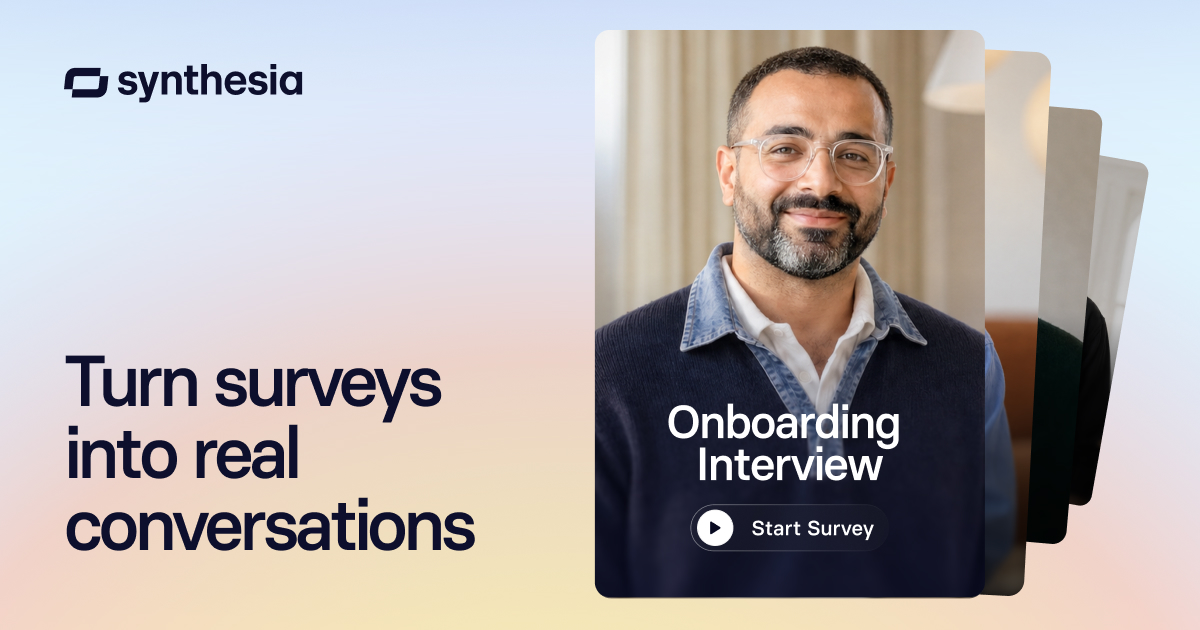
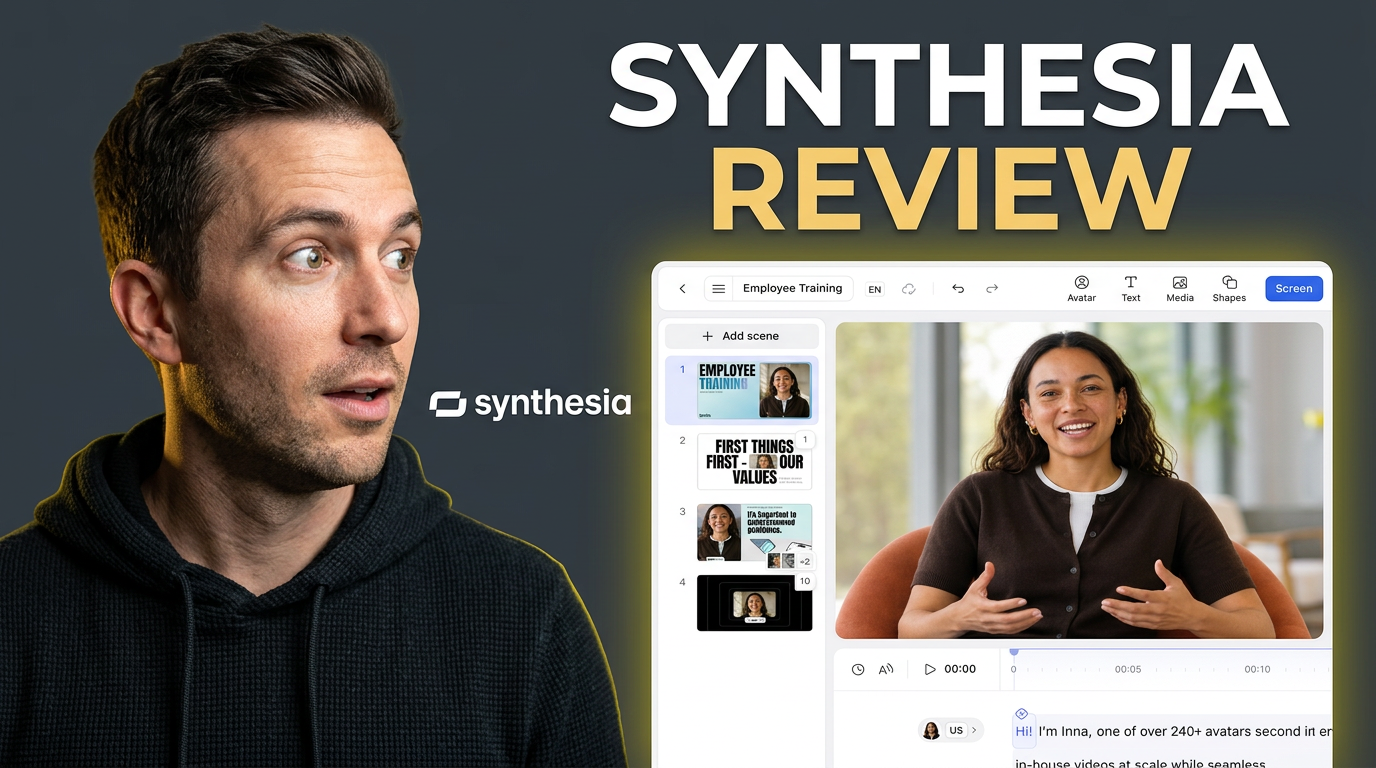
The best Synthesia alternatives include HeyGen, Colossyan, and Hour One, which offer distinct approaches to AI avatar creation, localized video translation, and automated storyboarding. Selecting the right option depends on whether you prioritize multi-avatar interactions, custom voice cloning, or structured templates for corporate training. While Synthesia remains a dominant option in the market, competitor platforms have developed specialized capabilities that address specific gaps in its feature set. Some platforms focus on multi-avatar dialogue, while others streamline the process of transforming corporate slide decks into video presentations with minimal manual input. Understanding these workflow differences is essential before committing to a platform subscription. By examining how different interfaces manage timeline editing, media libraries, and AI actors, you can find a platform that matches your team's production speed. Reviewing our Synthesia Review will help you establish a baseline for what to expect from these competing options.
Evaluating Avatar Realism and Facial Expressions
When you open an AI video editor, the primary focal point is the digital presenter. While Synthesia uses synthetic avatars built from studio footage, platforms like HeyGen and Colossyan have modified how these virtual figures move and react. In the workspace, you choose an avatar from a library panel, then adjust their position on the canvas. The real differentiator lies in how naturally the avatar handles pauses, blinks, and subtle head tilts during speech. Behind the scenes, the lip-syncing engine processes your text script and matches the mouth movements to the phonemes of your chosen language. In some alternatives, you will notice that the lips adjust more smoothly to complex medical or technical terms, whereas others might exhibit minor digital clipping. This visual realism is critical when creating high-resolution training videos that need to maintain viewer attention. Another control to look for is the gesture trigger. Inside the timeline editor of advanced alternatives, you can insert specific markers where the avatar nods, points to a graphic, or raises their eyebrows. This level of physical expression prevents the AI presenter from looking static or robotic during longer scripts, making the final export feel far more interactive.
Comparing Multi-Avatar Scenes and Team Collaborations
Creating dynamic videos often requires more than a single person speaking directly to the camera. While Synthesia excels at single-presenter training modules, alternatives like Colossyan allow you to place multiple avatars within the same digital environment to simulate conversations. The editor canvas lets you drag two presenters side-by-side, designating who speaks during specific parts of the script timeline. Let us look at how the primary platforms differ across several operational features: - Multi-Avatar Setup: Colossyan allows side-by-side conversational scenes in its standard editor, whereas HeyGen offers multi-avatar layouts with specialized templates, and Synthesia limits direct physical interactions on screen. - Script Segmentation: Hour One organizes scripts into structural storyboards where you assign voice lines to different actors slide by slide, while HeyGen uses a unified timeline where you layer audio tracks and animations. - Custom Avatar Creation: HeyGen provides rapid webcam-based avatar creation directly from your browser, whereas other enterprise tools require professional studio footage and several business days of processing to generate a custom digital twin. This structural variation impacts how your team works on a daily basis. If your training strategy relies on roleplay scenarios or customer-service demonstrations, having a native multi-avatar system simplifies the setup. Instead of exporting multiple video clips and piecing them together in an external editor, you can build the entire dialogue sequence inside a single project window.
Analyzing Automated Storyboarding and Text-to-Video Workflows
For teams that want to bypass manual slide creation, the draft generation process is a major differentiator among Synthesia competitors. Many of these platforms now include text-to-video assistants that convert plain text documents, PDF manuals, or web links into fully styled video drafts. When you paste a URL into the import window, the system analyzes the text, divides it into scenes, assigns avatars, and inserts matching background graphics. The efficiency of this automated process depends on the platform’s layout generator. Some alternatives tend to use generic templates that require extensive manual adjustments afterward. Other tools use advanced algorithms to pull relevant imagery from stock databases, placing text boxes and transition effects in logical positions that match the flow of the narration. As you refine these drafts, you will interact heavily with the template editor. A well-designed tool allows you to save custom brand kits, including specific hex codes, fonts, and logo placements. Applying these brand rules to automated drafts ensures your synthetic videos match your company's existing media guidelines with just one click.
Translating and Localizing Content for Global Audiences
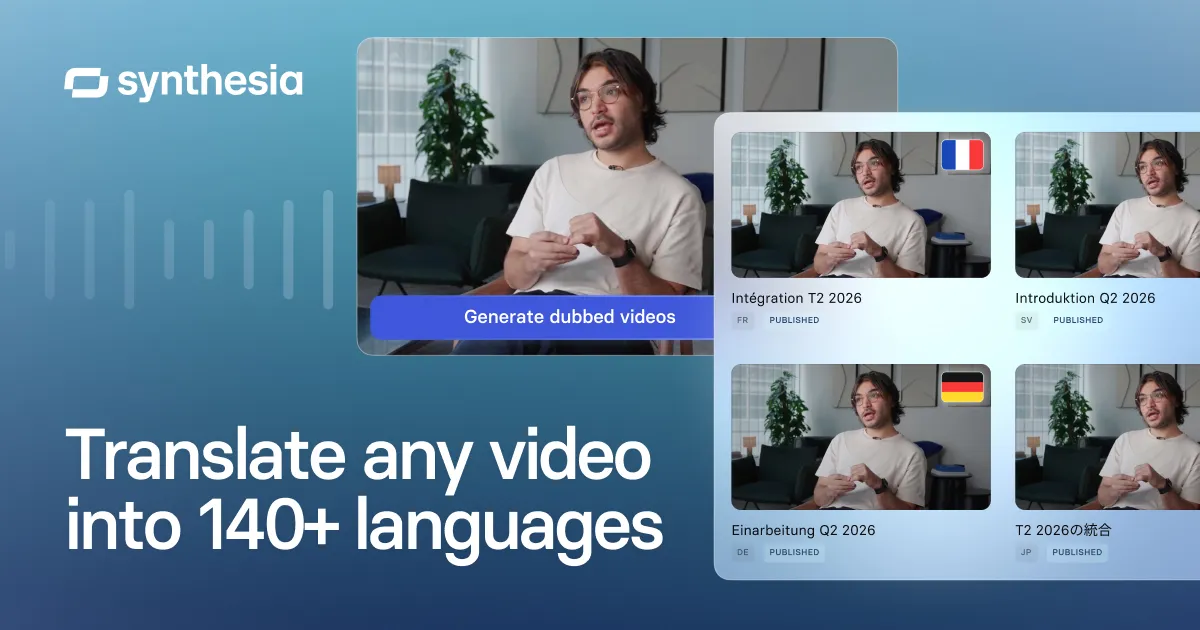
If your organization operates globally, translating video content efficiently is likely your highest priority. Finding the best Synthesia alternatives for translation involves evaluating how each platform handles multi-language audio tracks and visual text updates. In a typical localization workflow, you upload a master video, select your target languages from a drop-down menu, and let the system translate both the spoken audio and the on-screen text slides. A major challenge during translation is maintaining a consistent vocal identity. Many alternative tools utilize voice cloning technology to replicate the tone, pitch, and accent of your original presenter in dozens of different languages. This means your lead trainer can speak Spanish, German, or Japanese while maintaining their distinct vocal characteristics, which helps humanize global training initiatives. You also need to evaluate how the system handles text expansion. Languages like German or French often require more words to convey the same message as English, which can cause on-screen text to overflow or overlap. High-quality localization editors automatically resize text boxes or adjust the pacing of the AI avatar to accommodate these linguistic differences without ruining the video layout.
How to Migrate Your Video Assets to a New AI Tool
When transitioning from one platform to another, you must take a systematic approach to preserve your brand assets and script libraries. Because you cannot directly export editable project files between different AI engines, you must recreate your core assets step by step. 1. Export your existing scripts. Copy all narration texts, scene descriptions, and translation files from your current platform into a centralized master document. 2. Download your original custom media. Retrieve all high-resolution logos, background videos, custom fonts, and audio tracks to a local drive so you can upload them to your new editor. 3. Recreate your corporate brand kit. Log into your new alternative platform, navigate to the brand settings panel, and input your custom hex colors, typography rules, and default watermarks. 4. Set up your custom avatars and voices. Upload your voice-cloning files or record your video training footage to initialize your team's custom digital presenters. 5. Build a master template. Create a single, standardized video project that acts as the blueprint for all future training modules to ensure design continuity across platforms. By establishing this workflow, you prevent production delays and ensure your new AI-generated videos look identical in style and quality to your previous campaigns.
Which Alternative Should You Pick for Your Projects?
Determining which AI video tool to adopt comes down to your primary production goals and how your team interacts with the software canvas. If your main objective is to create rapid marketing videos with top-tier voice synchronization, a platform like HeyGen stands out due to its voice-cloning and simplified webcam avatar creation. It fits workflows that demand quick turns and frequent content updates. Conversely, if your focus is deep corporate learning and development, Colossyan offers robust scenario-based tools that allow you to construct lifelike conversations between multiple presenters. This is highly useful for customer service training where viewers need to see a dialogue play out naturally on screen. It transforms video creation from a simple monologue into an interactive learning experience. For organizations that need structured, news-style broadcasts or high-volume API rendering for automated customer reports, Hour One provides a highly organized storyboard system that excels at scale. Before making your final choice, we recommend comparing these features against our detailed Synthesia Review to ensure you select a platform that fits your creative demands.
Frequently asked
Some links are affiliate links: we may earn a commission if you sign up or buy through them, at no extra cost to you. Affiliate disclosure