
What to Know Before Buying Synthesia
Learn what to check in a Synthesia review before subscribing, including generation limits, avatar access, editing workflow, localization, and plan fit.
Some links are affiliate links: we may earn a commission if you sign up or buy through them, at no extra cost to you.
On this page9 sections
- 1The short answer
- 2What Should You Know Before Buying Synthesia?
- 3Mastering the Script Editor and Text Input Workspace
- 4Navigating the Digital Avatar Selection Library
- 5Designing Layouts with the Canvas and Asset Timeline
- 6Scaling Content with Translation and Localization
- 7How to Build and Check Your First Video Project
- 8Deciding Which Synthesia Plan Fits Your Workflow
- 9Frequently asked
The short answer
- Subscription plans are metered by total video generation minutes, not individual project counts.
- Expressive presenters and customized digital actors are reserved for higher pricing tiers.
- Editing scripts and audio previews is essential before rendering to preserve your monthly minutes.
Before buying Synthesia, read a review that explains generation allowances, avatar access, editing constraints, localization tools, and plan differences. Check whether those details match your output volume and workflow rather than relying on feature lists alone. Our full Synthesia review provides the broader assessment, while this guide explains the practical questions to ask before subscribing.
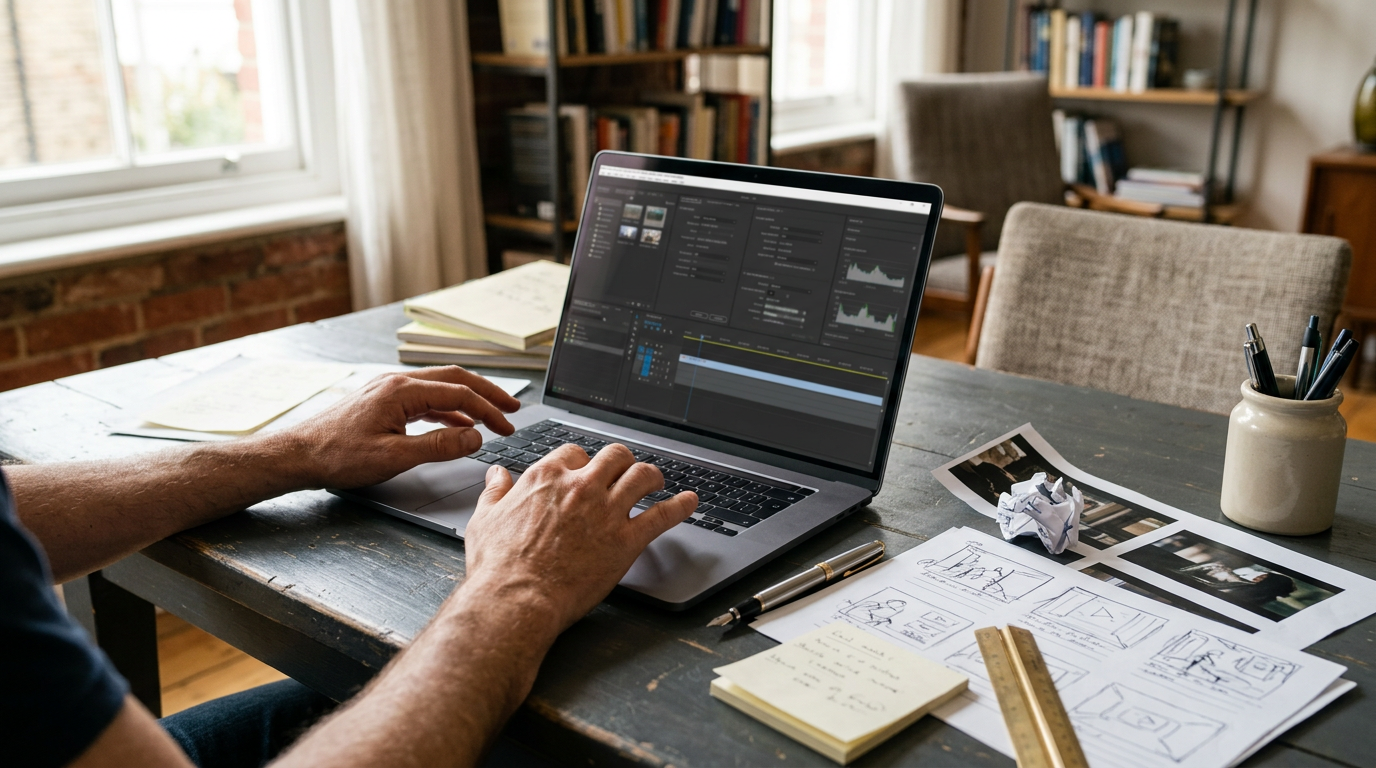
The software replaces parts of traditional video production—such as cameras, actors, and voice recording—with synthetic presenters and generated narration. That can simplify some training, educational, and corporate video workflows, but it does not remove the need for script editing, visual planning, pronunciation checks, and translation review. A useful evaluation should therefore cover both what the platform can create and how much preparation each finished video requires.
The quick version
- Write the script and split it
- Select a presenter and voice profile
- Customize the canvas with approved logos,
- Preview narration, check pronunciation, and…
- Generate the video, then inspect ==lip-sync==,
What Should You Know Before Buying Synthesia?
Start by defining the videos you intend to make, their approximate length, how often you will revise them, and who needs access to the workspace. Generation time matters because rendering and re-rendering can affect your available allowance, while features such as custom avatars, branding, collaboration, and security may depend on the selected plan. Confirm current terms directly with Synthesia before subscribing, because plan names and inclusions can change.
A helpful review should also distinguish between previewing a project and producing its final output. Check how corrections are handled, whether a revised render affects your allowance, and which export or sharing options suit your publishing process. If you need a broader feature-by-feature evaluation, read our detailed Synthesia review. The central buying question is not simply whether the platform works; it is whether its production model fits your expected volume, approval process, visual standards, and team structure.
Mastering the Script Editor and Text Input Workspace
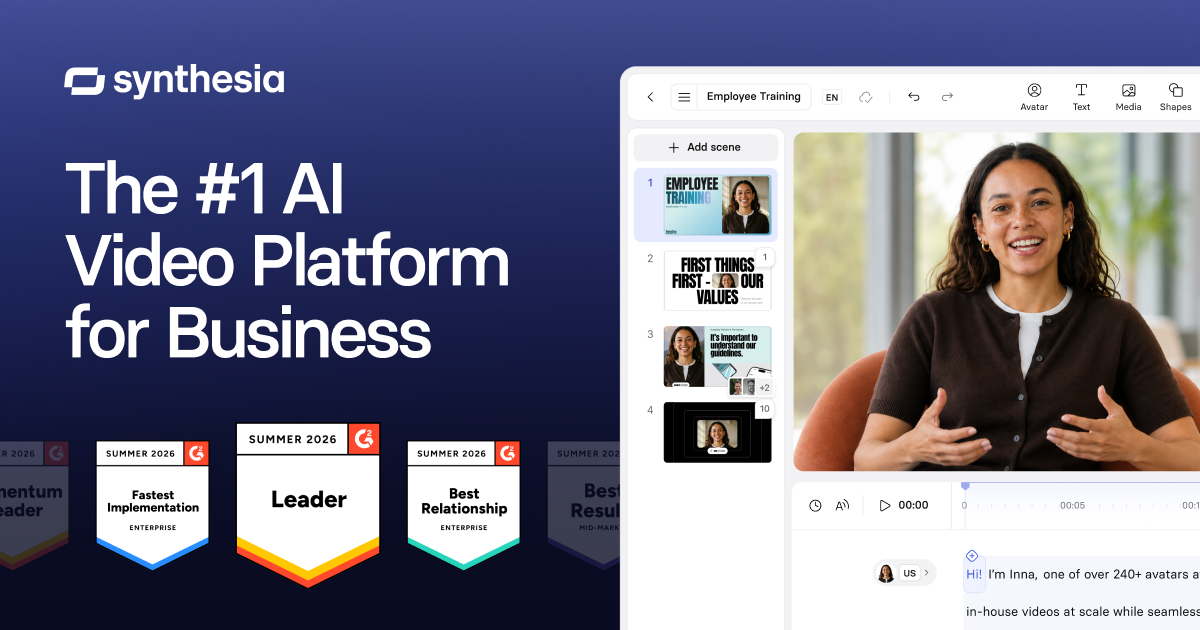
The script editor is the central control panel where your video generation journey begins. Instead of working with complex video timelines first, you spend the majority of your editing hours typing, formatting, and refining text scripts. The software interprets your written punctuation to generate pauses and spoken phrasing, so text structure can affect the result. Many buyers do not realize how crucial text formatting is to the final visual output. If you paste raw documents without customizing the structure, the artificial presenter might sound robotic or rush through complex phrases.
Voice selection also needs careful review. Test whether the available languages, accents, and vocal styles fit your audience, then preview difficult passages before rendering. For specialized industry jargon, names, abbreviations, and brands, look for pronunciation controls such as phonetic spelling or other pronunciation-editing options. A polished script usually requires shorter sentences, deliberate punctuation, and spoken-language wording, rather than text copied unchanged from a report. This editing time should be part of your buying decision, especially if subject-matter experts must approve every script.
Navigating the Digital Avatar Selection Library
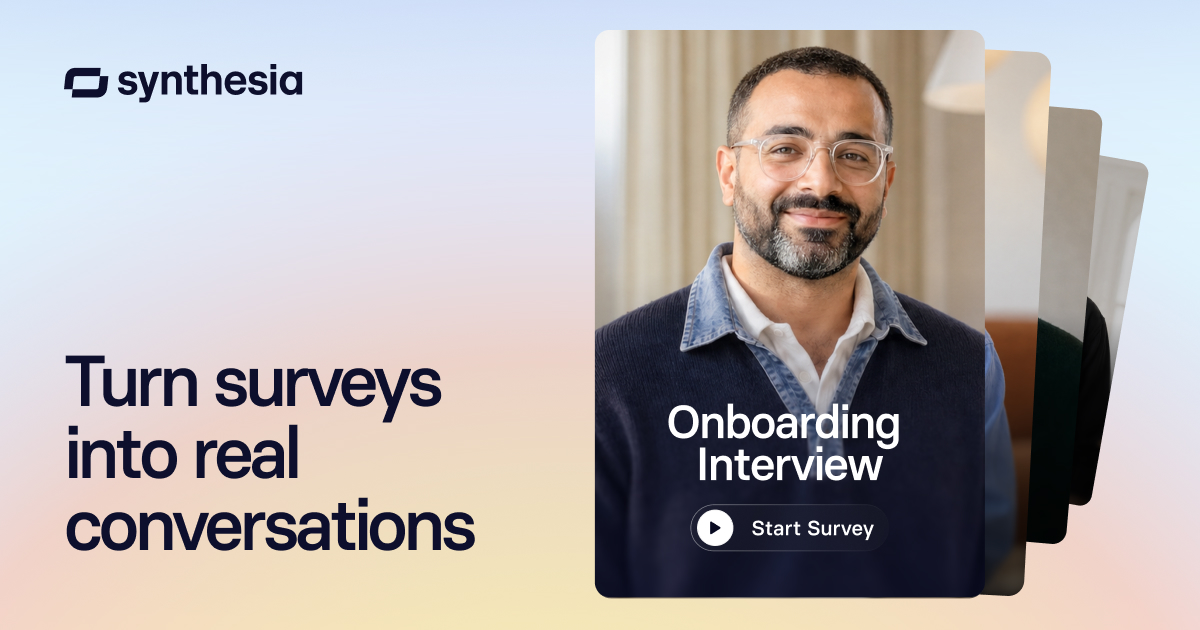
Choosing your visual presenter is the next major step in the creation process. The dashboard separates stock presenters from customized digital twins created from a real person’s footage. When evaluating options, pay close attention to which plans provide the avatar types you require and whether custom-avatar creation has separate recording, consent, or approval requirements. Avatar realism can vary by presenter, voice, script, framing, and scene, so judge examples that resemble your intended format rather than relying on a single demonstration.
You may not see every detail of the final lip-sync performance until a video is generated. That makes short test scenes useful before committing to a longer project. Consider attire, framing, gestures, eye movement, and how the presenter handles long or technical sentences. Standard presenters may suit straightforward training or internal communication, while a custom spokesperson may matter for brand consistency. Our Synthesia avatar and workflow review discusses the broader trade-offs between virtual presenters and conventional recorded presenters.
Designing Layouts with the Canvas and Asset Timeline
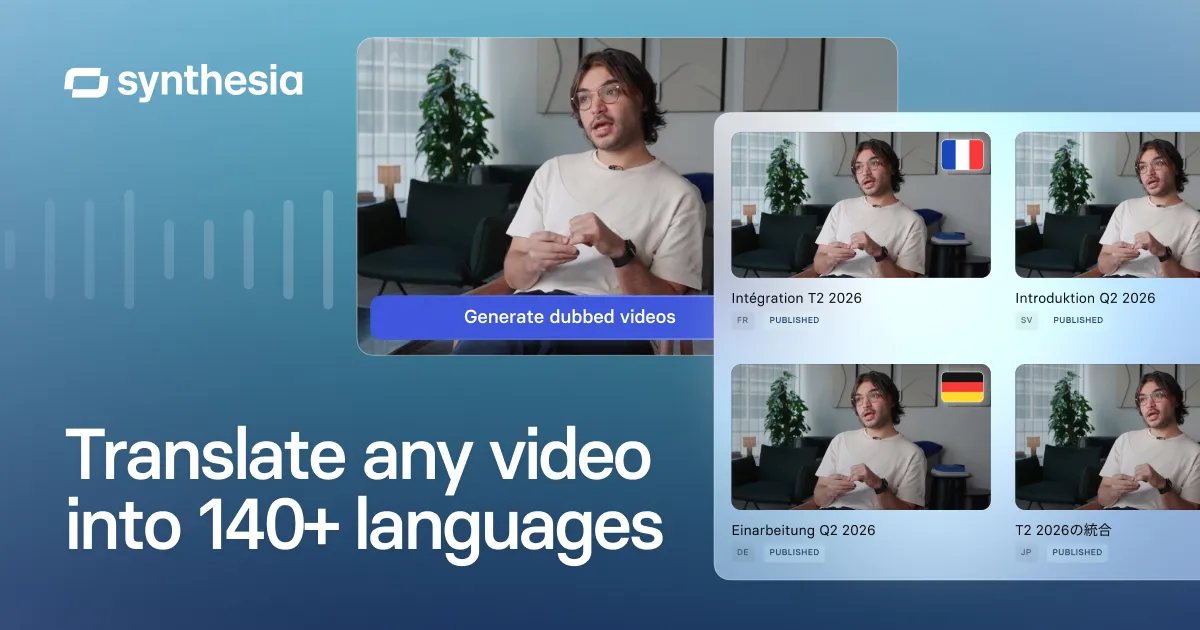
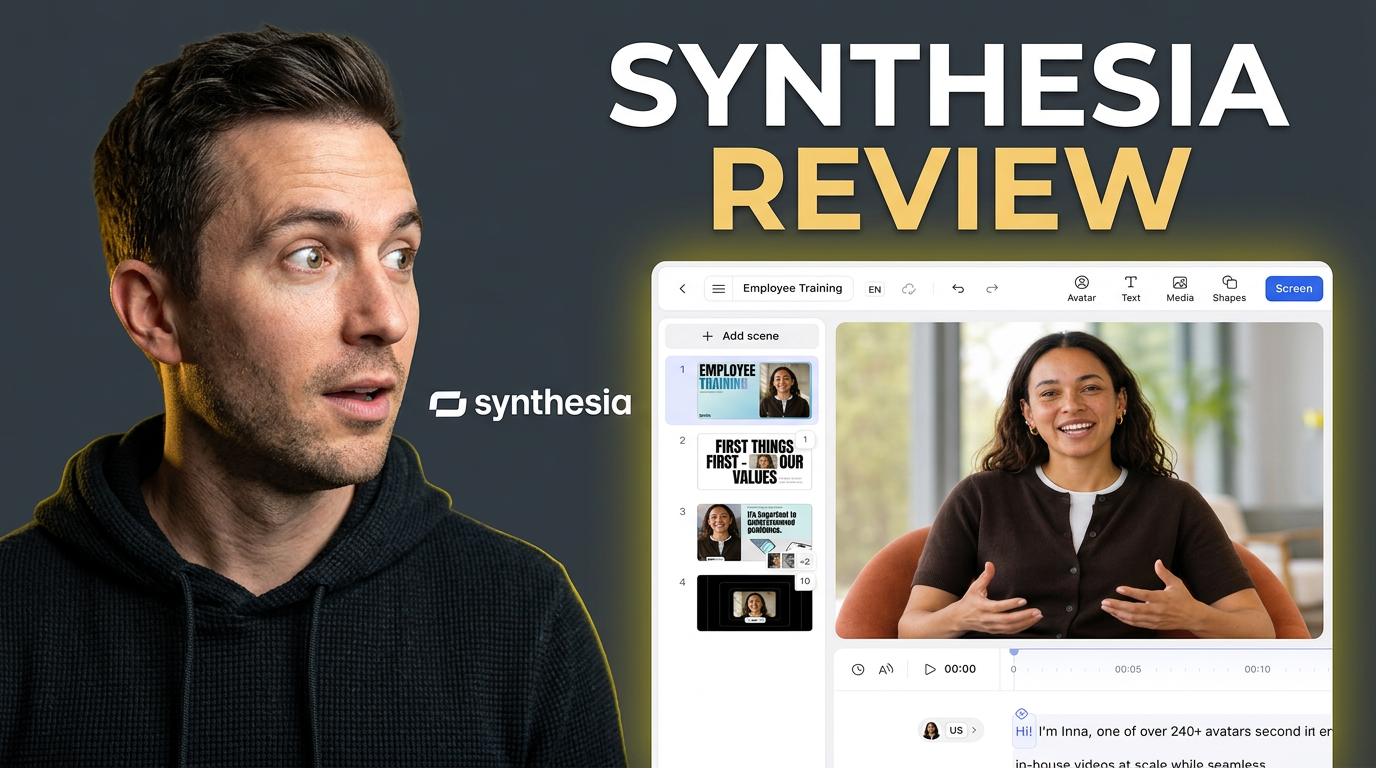
Beneath the script input area lies the visual canvas, which functions similarly to modern slide-presentation software. Here, you position your virtual speaker on the screen, change backgrounds, and add graphic overlays. The drag-and-drop workspace lets you resize the presenter, shift them to the side, or hide them completely to show full-screen media. You can also assess how uploaded images, company logos, screen recordings, text, and available stock media fit into each scene.
Planning your visual layout beforehand makes the assembly process faster and reduces avoidable revisions. Build a scene outline that pairs each script segment with a supporting visual, then check whether asset timing can be synchronized closely enough with narration. This is not always equivalent to frame-level editing in conventional video software, so buyers who need intricate motion graphics or precise cuts should examine the timeline controls carefully. Choose the intended aspect ratio early, test text legibility on the target screen, and confirm how layouts adapt if you publish in more than one format.
Scaling Content with Translation and Localization
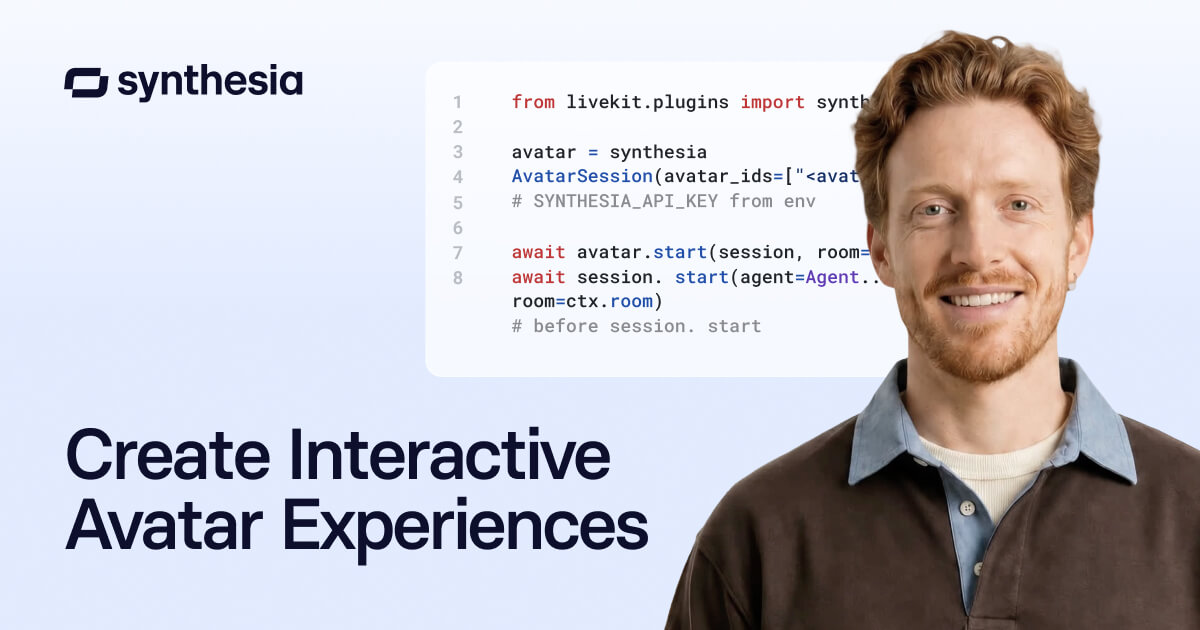
For teams distributing corporate messages globally, the translation interface may be an important feature. Instead of recording every language version with a different presenter, users can adapt a project for additional languages and voices. A proper Synthesia review should clarify the available language workflow, whether scripts can be translated inside the platform, how voices are selected, and what happens to scene timing when translated text becomes longer or shorter.
Automated translation still benefits from human oversight. Native or fluent reviewers should check terminology, tone, pronunciation, and regional phrasing before the final render. A literal translation may be grammatically acceptable yet unsuitable for local audiences, regulated terminology, or company style. Review on-screen text separately because text embedded in uploaded graphics may not change with the script. Also confirm whether each language version is treated as a separate generated video and account for those versions when estimating production volume. Regional accents and dialects should be evaluated with representative speakers rather than assumed to be interchangeable.
How to Build and Check Your First Video Project
A small pilot project reveals more than a long list of features. Begin with a short script that contains normal narration, a difficult name or technical term, on-screen text, an uploaded image, and at least one scene transition. This gives you a realistic sample of the steps your regular work will require.
- Write the script and split it into short, manageable scenes so the visual focus changes at sensible points.
- Select a presenter and voice profile that fit the subject and intended audience.
- Customize the canvas with approved logos, images, text, and background elements.
- Preview narration, check pronunciation, and ask another person to proofread the script.
- Generate the video, then inspect lip-sync, pacing, visual timing, captions, and text legibility.
Record the time spent scripting, approving, correcting, and generating the pilot. That end-to-end effort is a better measure of workflow fit than generation speed alone. If your organization uses formal approvals, test duplication, commenting, version management, and handoff steps before committing a larger team.
Deciding Which Synthesia Plan Fits Your Workflow
Understanding plan differences is essential before purchase, but exact names, allowances, and included features can change. Use Synthesia’s current plan documentation to verify generation allowances, user or guest access, avatar options, branding controls, media storage, collaboration, security, support, and any restrictions that affect publishing. Do not choose solely because a tier lists more avatars; prioritize the capabilities required to complete and approve your actual projects.
Estimate the total duration of all language versions and leave room for corrections or regenerated scenes. Teams should also map roles: who writes, who edits, who approves, and who administers brand assets or workspace access. Organizations with security or procurement requirements may need to examine authentication, permissions, support, and contractual terms in more detail. Your primary deciding factors should be expected output, revision frequency, localization volume, and collaboration needs. For a fuller comparison of the platform’s strengths and limitations, consult our complete Synthesia review before making a decision.
Frequently asked
As an Amazon Associate I earn from qualifying purchases. This does not affect the price you pay. Affiliate disclosure